

Descripció
“Simplify Dashboard” adds a toggle in the admin bar to hide menu items you don’t use much.
It gives you a simple interface for your users, and can be quickly turned on or off.
Choose which items are hidden in the Settings>Simplify Dashboard page by writing their menu name, or specify the actual HTML id.
Captures
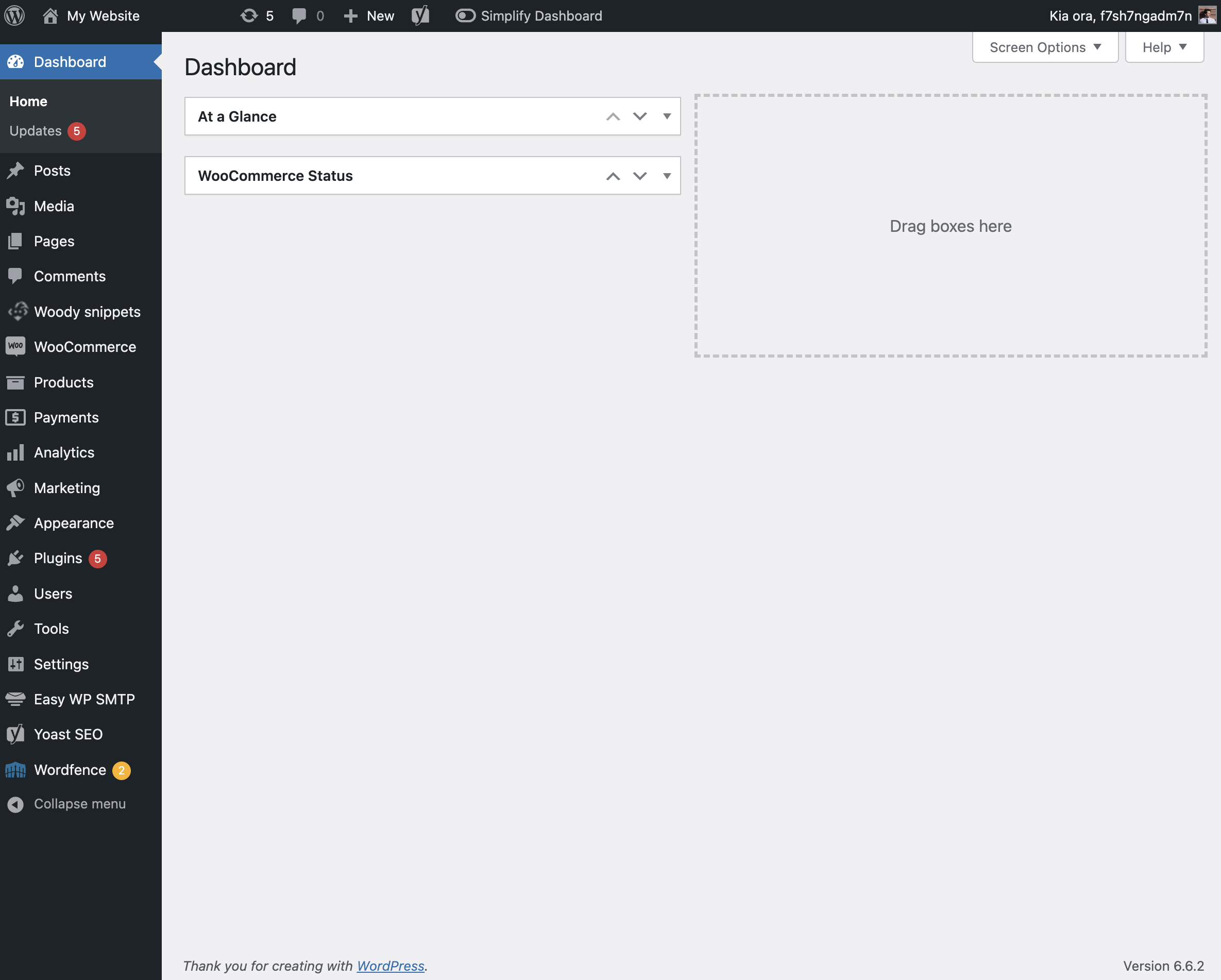
The admin screen with nothing hidden. 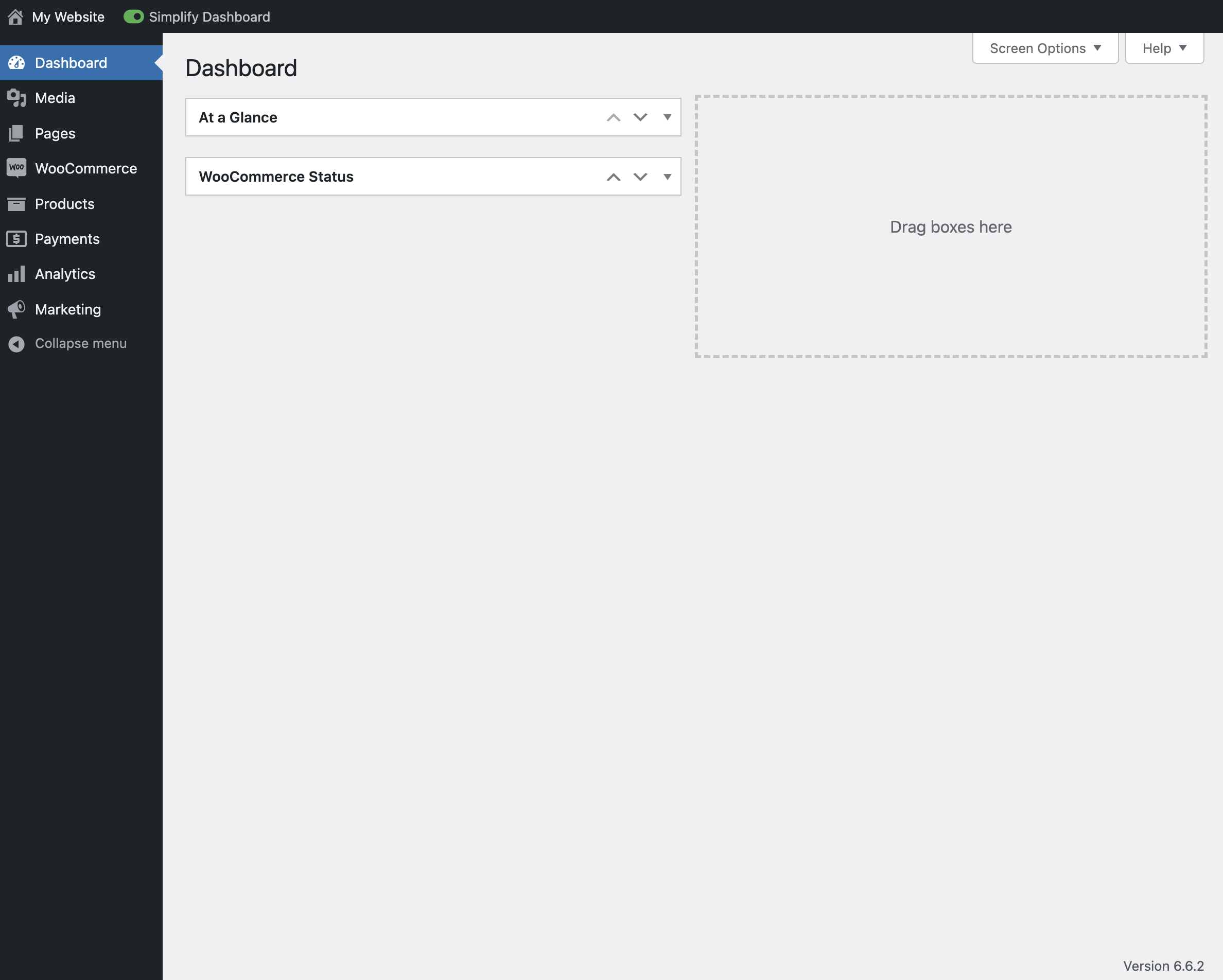
View of the admin screen with the toggle activated. 
The settings page for Simplify Dashboard.
Instal·lació
- Upload the
simplify-dashboardfolder to the/wp-content/plugins/directory. - Activate the plugin through the ‘Plugins’ menu in WordPress.
- Once activated, navigate to the Settings page and click on the new submenu “Simplify Dashboard”.
- Enter the names of the menu items you want to hide. Additionally, choose items to hide in the admin by their element id.
- Turn the Simplify Dashboard toggle to on.
Ressenyes
No hi ha ressenyes per a este complement.
Col·laboradors i desenvolupadors
«Simplify Dashboard» és programari de codi obert. La següent gent ha col·laborat en este complement.
Col·laboradors
Traduïx «Simplify Dashboard» a la teua llengua.
T’interessa el desenvolupament?
Revisa el codi , dona una ullada al repositori SVN o subscriu-te al registre de desenvolupament per RSS.
Registre de canvis
1.1
- Improving code quality.
1.0
- Initial release.