

Descripció
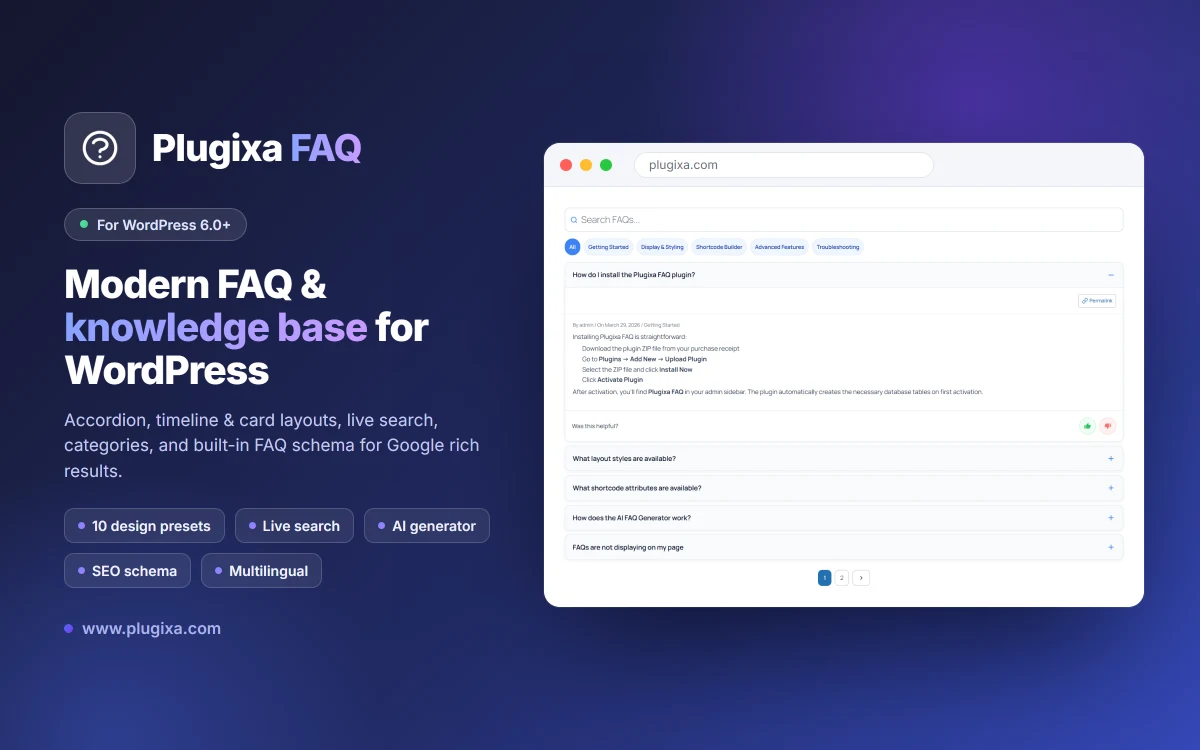
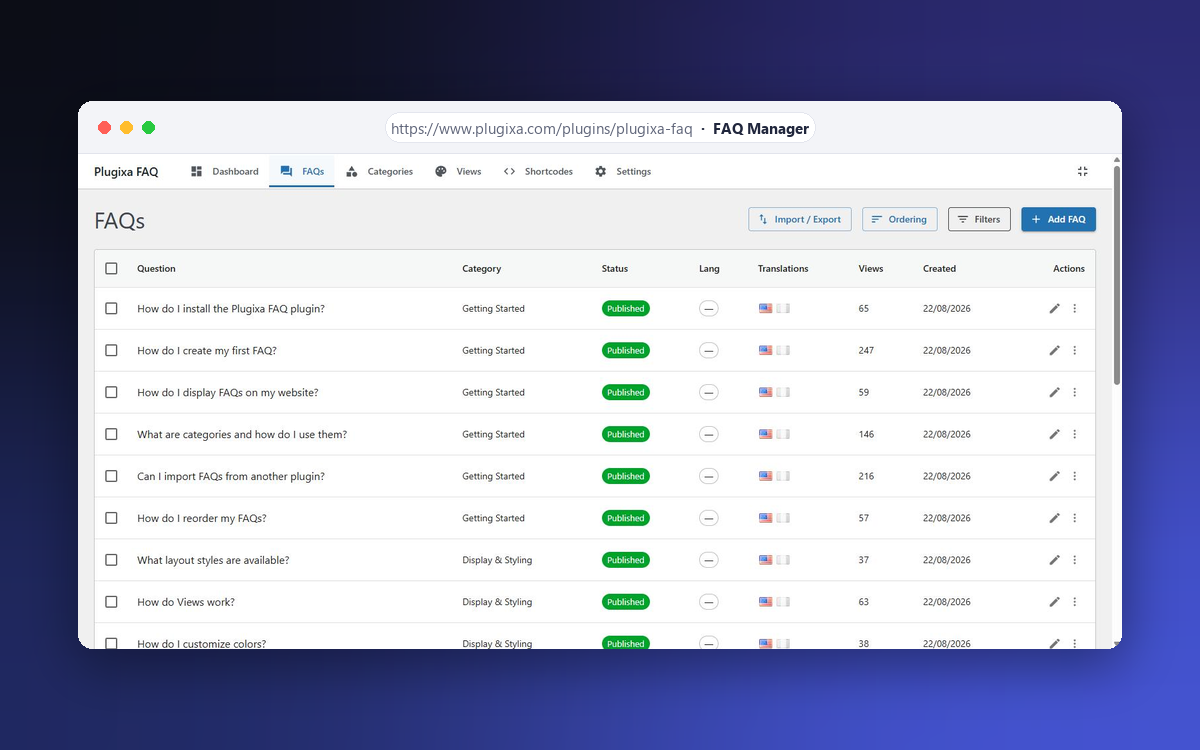
Plugixa FAQ is a powerful and user-friendly FAQ plugin for WordPress. It features a modern React-based admin panel, beautiful accordion displays, and built-in SEO optimization with FAQ Schema markup.
Documentation: https://www.plugixa.com/documentation/plugixa-faq
Key Features
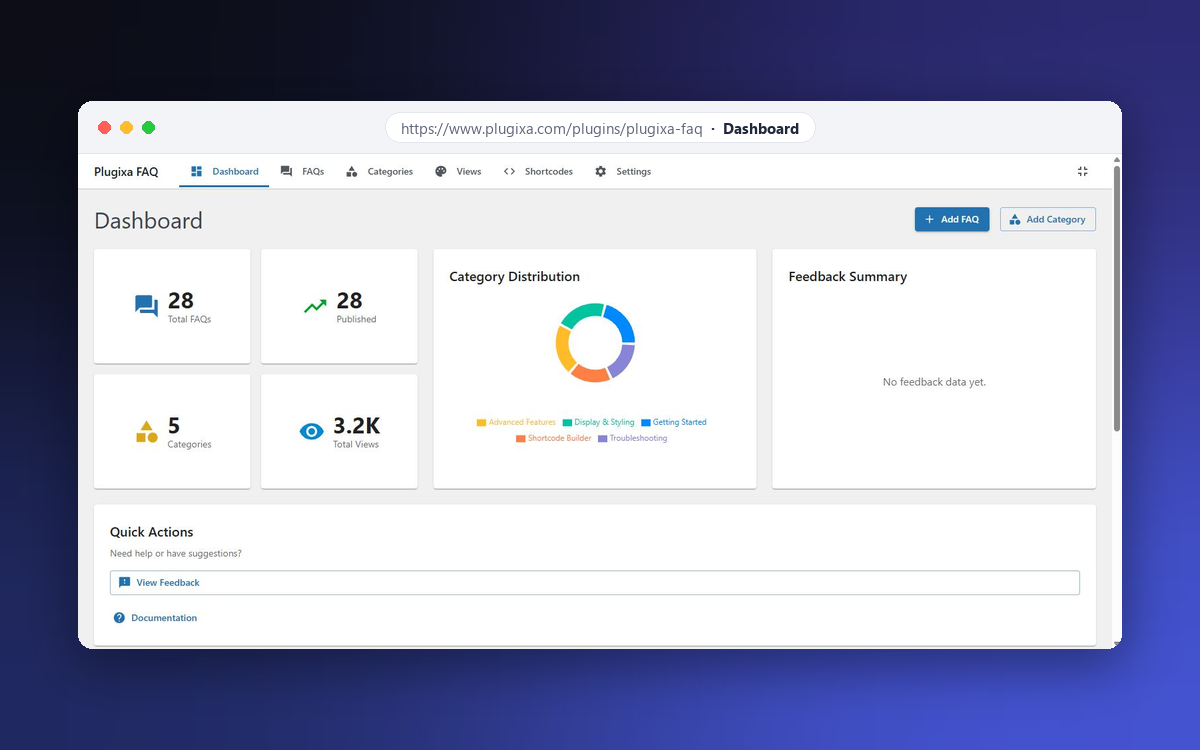
- Modern Admin Interface – React-powered admin panel with Material UI
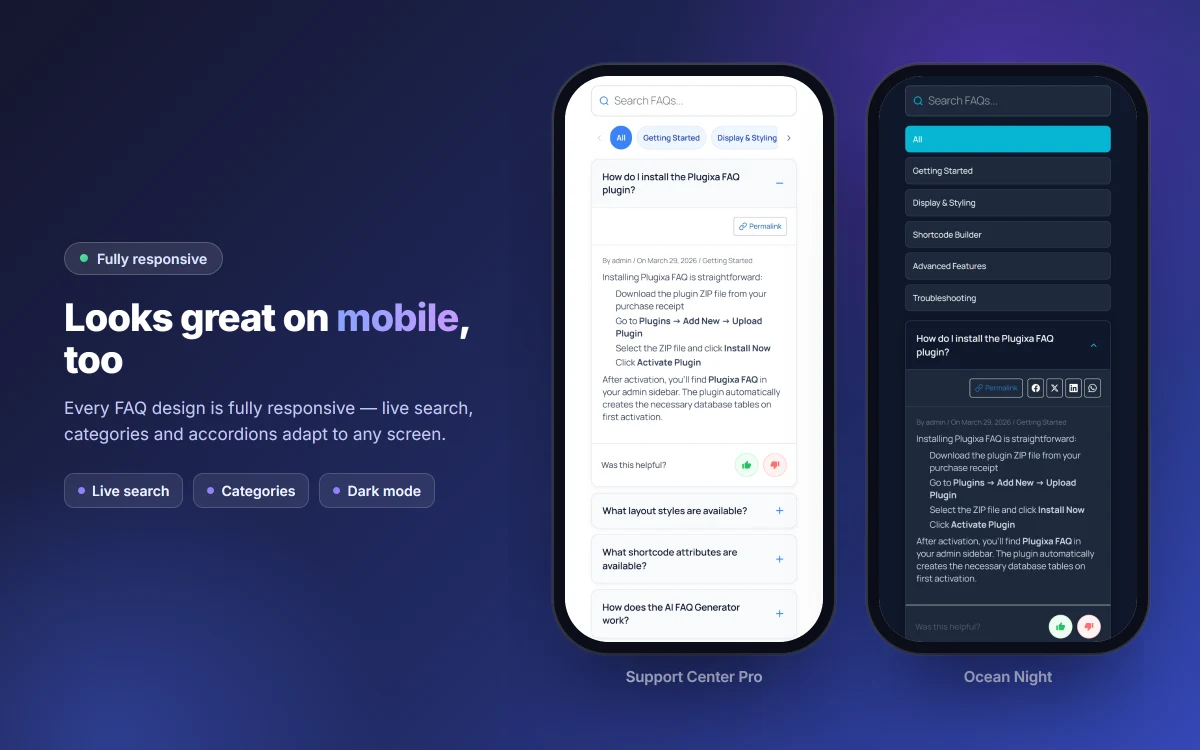
- Accordion Display – Beautiful, animated accordion with multiple styles
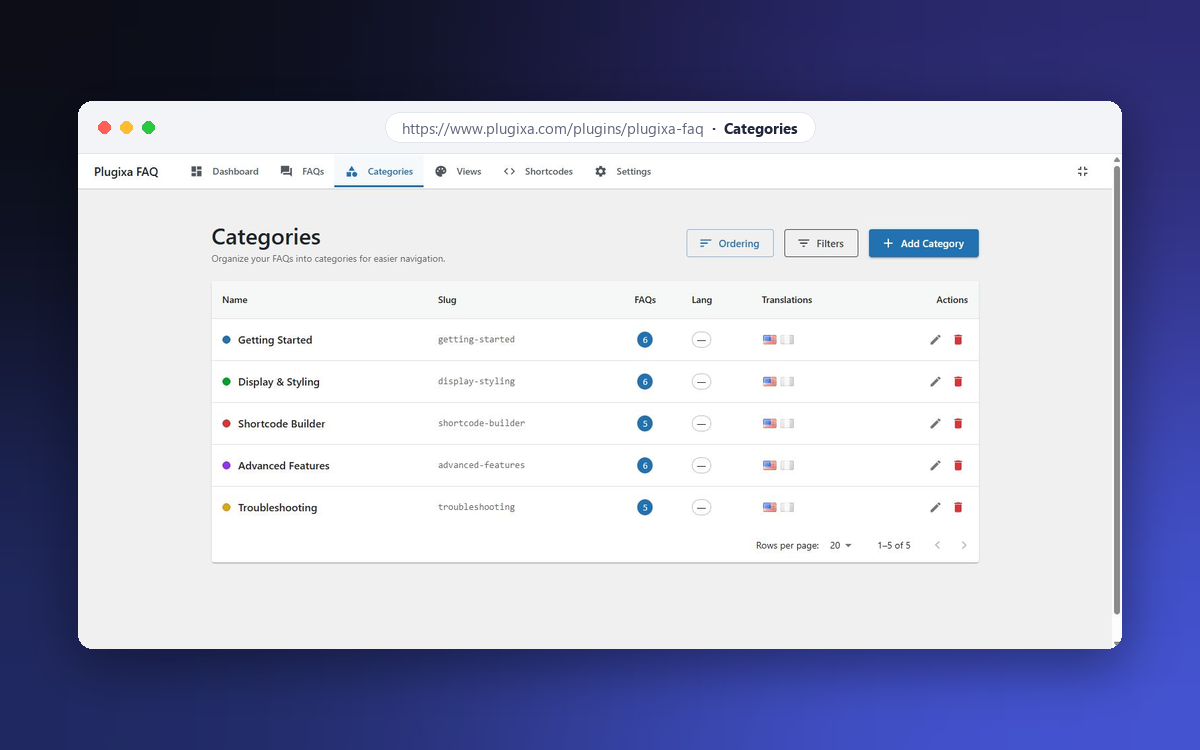
- Categories – Organize FAQs into categories
- Schema Markup – Automatic FAQ Schema (JSON-LD) for Google rich results
- Shortcode – Flexible
[plugixa_faq]shortcode with many options - Widget – Display FAQs in sidebars and footers
- Search – Live search functionality
- Fully Responsive – Works great on all devices
- Accessible – WCAG 2.1 compliant
Shortcode Usage
Basic usage:
[plugixa_faq]
With options:
[plugixa_faq category=”general” limit=”5″ style=”accordion”]
Shortcode Parameters
category– Filter by category slugids– Show specific FAQ IDs (comma-separated)limit– Number of FAQs to show (-1 for all)style– Display style: accordion, list, or toggleorderby– Sort by: menu_order, date, title, or randorder– Sort order: ASC or DESCschema– Enable FAQ schema: true or falsesearch– Show search box: true or falsegroup_by_category– Group FAQs by category: true or false
Captures
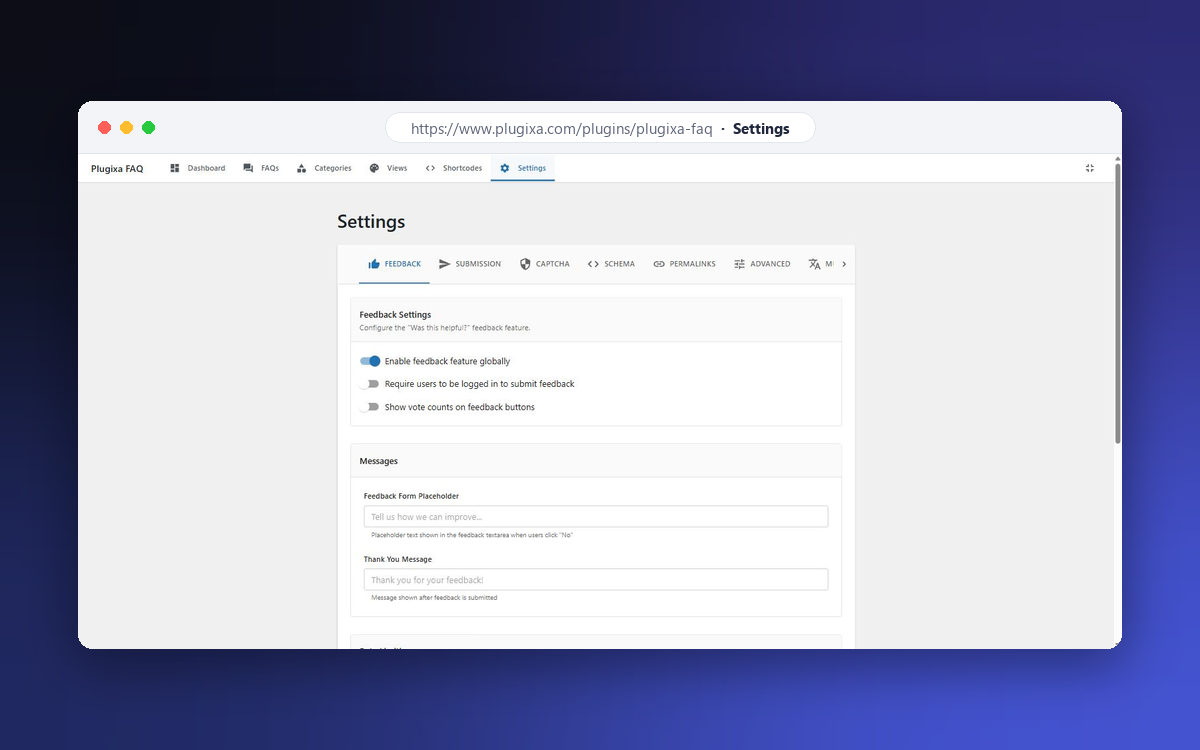
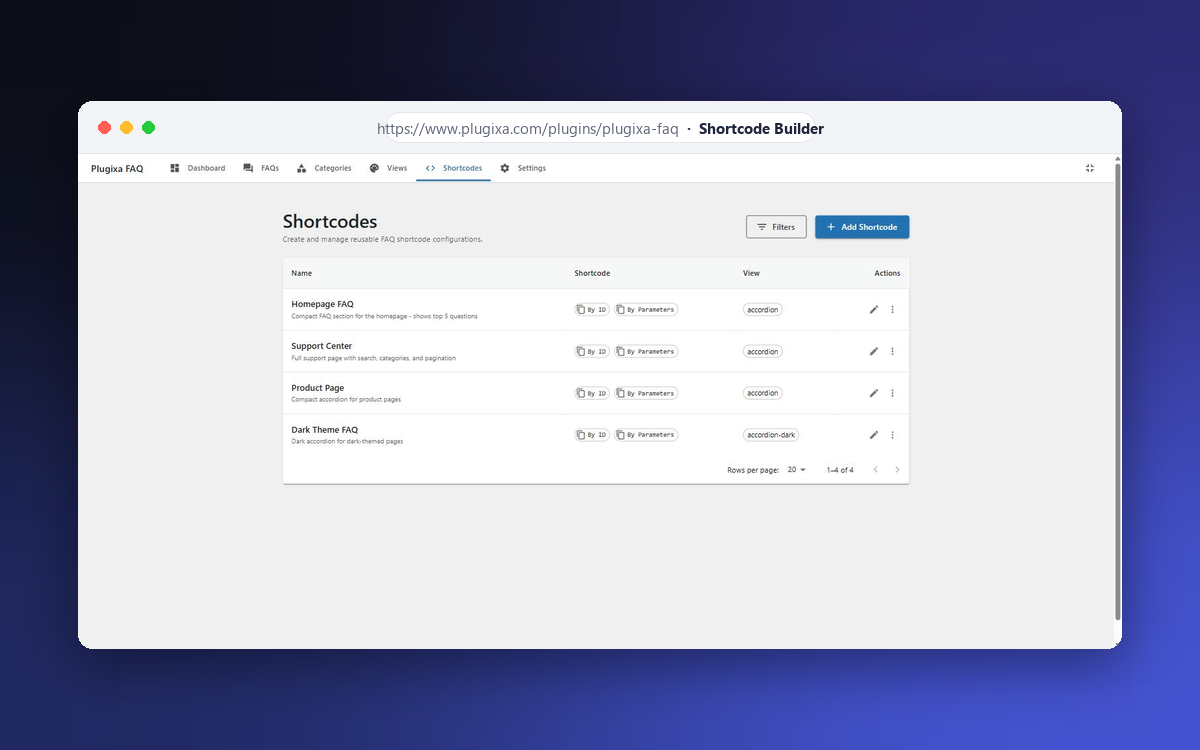
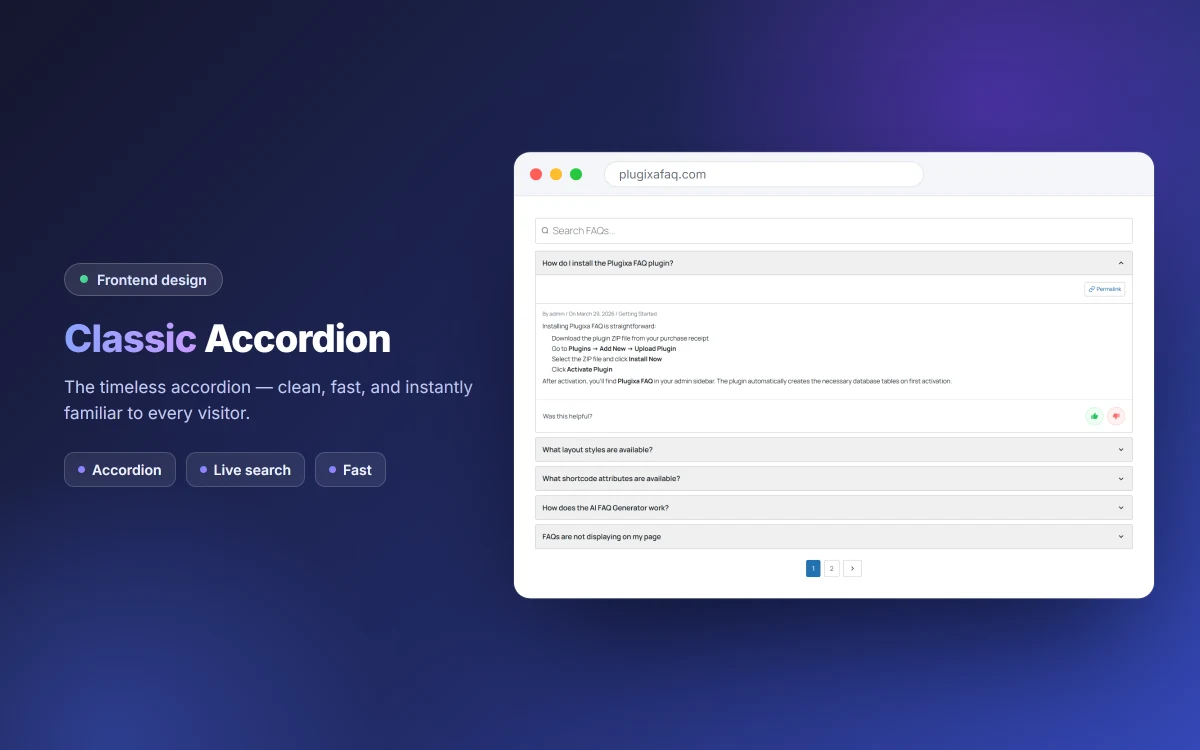
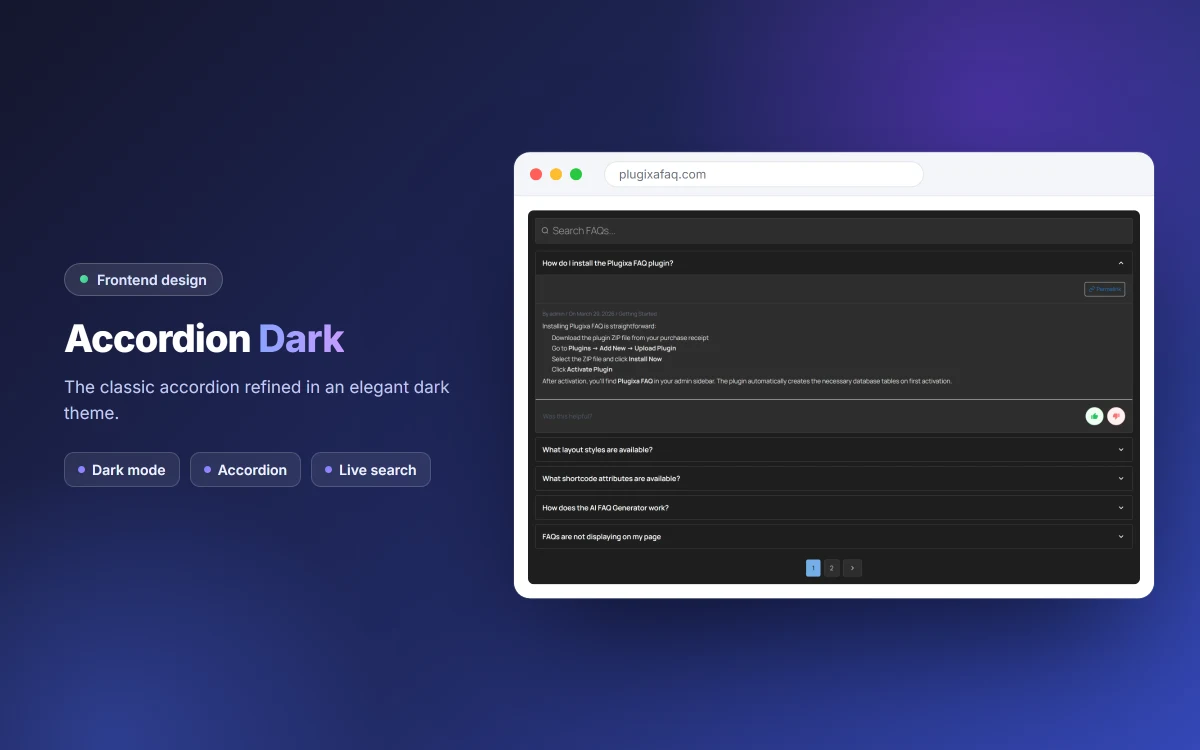
Blocs
Este complement proporciona 1 bloc.
- PlugixaFAQ Display Display FAQs with customizable styles, layouts, and filtering options
Instal·lació
- Upload the
plugixa-faqfolder to/wp-content/plugins/ - Activate the plugin through the ‘Plugins’ menu in WordPress
- Go to ‘Plugixa FAQ’ in the admin menu to add your FAQs
- Use the
[plugixa_faq]shortcode on any page or post
PMF
-
How do I add FAQs?
-
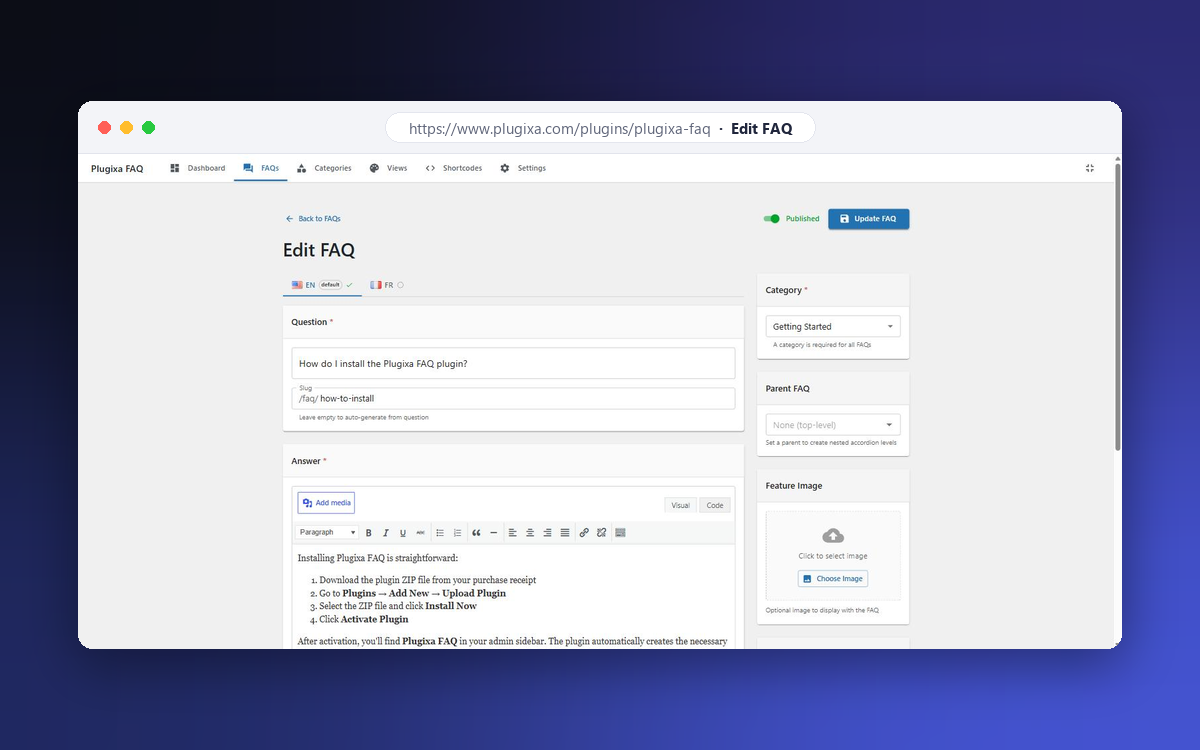
After activating the plugin, go to Plugixa FAQ in the WordPress admin menu. Click “Add FAQ” to create your first FAQ.
-
How do I display FAQs on my site?
-
Use the
[plugixa_faq]shortcode on any page, post, or widget area. -
Does this plugin support Schema markup?
-
Yes! FAQ Schema (JSON-LD) is automatically added to help your FAQs appear in Google’s rich results.
-
Can I customize the appearance?
-
Yes! Go to Plugixa FAQ > Views to customize colors, typography, spacing, icons and animations. Every FAQ block you place can use a different View preset.
-
Is this plugin compatible with page builders?
-
Yes, the shortcode works with all major page builders including Elementor, Divi, and Gutenberg.
-
What shortcode examples can I use?
-
Show all published FAQs:
[plugixa_faq]With a search box:
[plugixa_faq search="true"]Filter by category slug:
[plugixa_faq category="general"]Group by category:
[plugixa_faq group_by_category="true"]Limit the number of FAQs:
[plugixa_faq limit="5"]Choose a style:
[plugixa_faq style="accordion"],[plugixa_faq style="list"], or[plugixa_faq style="toggle"]Show specific FAQs by ID:
[plugixa_faq ids="1,2,3"]Full example:
[plugixa_faq category="general" limit="10" search="true" style="accordion" schema="true"] -
Where can I find the documentation?
-
Full documentation – installation, shortcode reference, design presets, multilingual setup
and developer hooks – is at https://www.plugixa.com/documentation/plugixa-faq
Ressenyes
No hi ha ressenyes per a este complement.
Col·laboradors i desenvolupadors
«Plugixa FAQ» és programari de codi obert. La següent gent ha col·laborat en este complement.
Col·laboradors

Traduïx «Plugixa FAQ» a la teua llengua.
T’interessa el desenvolupament?
Revisa el codi , dona una ullada al repositori SVN o subscriu-te al registre de desenvolupament per RSS.
Registre de canvis
1.0.0
- Initial release
- React admin panel
- FAQ management with categories
- Accordion, list, and toggle display styles
- FAQ Schema (JSON-LD) support
- Widget for sidebars
- Live search functionality
- Full customization options