

Descripció
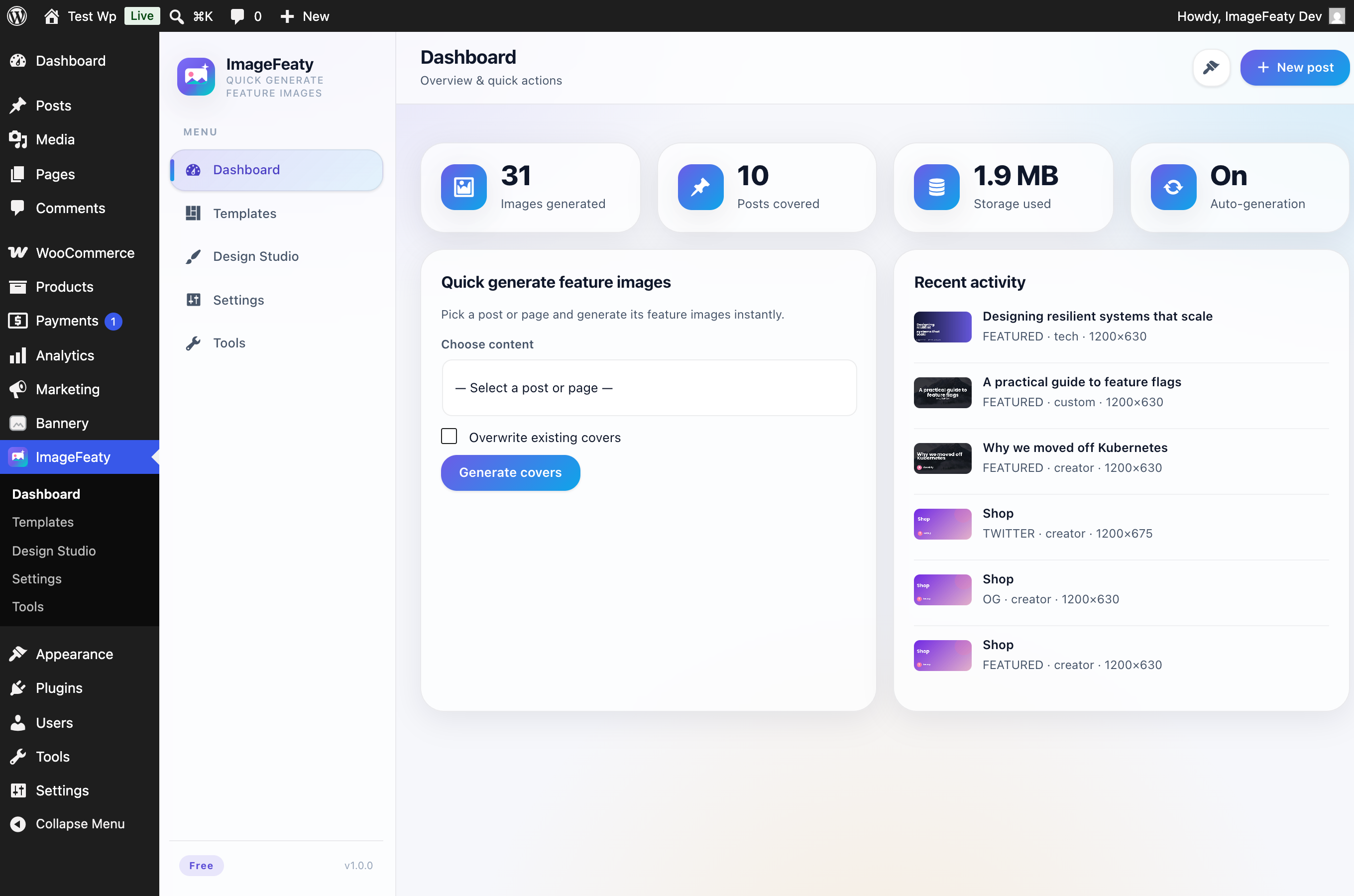
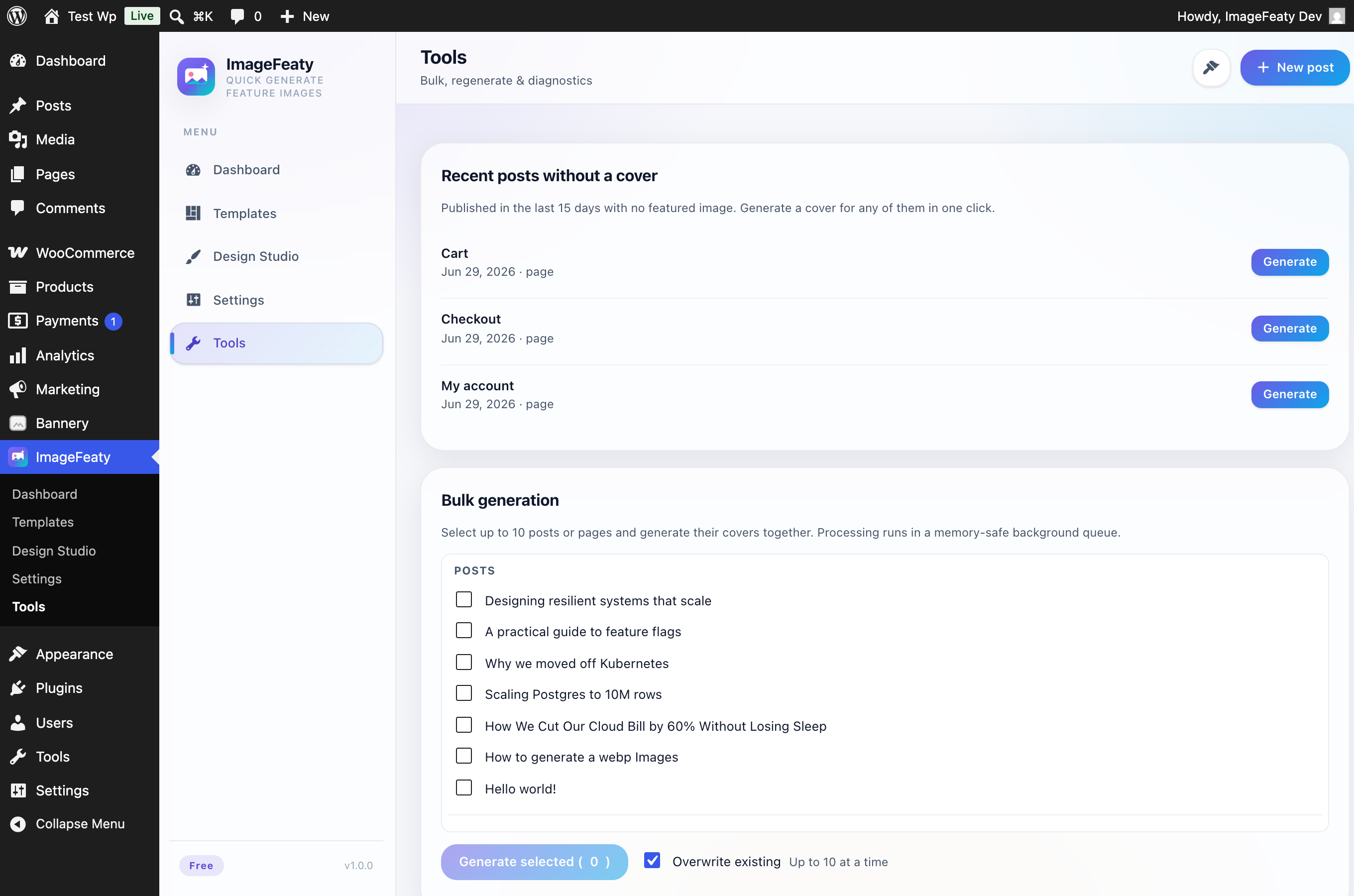
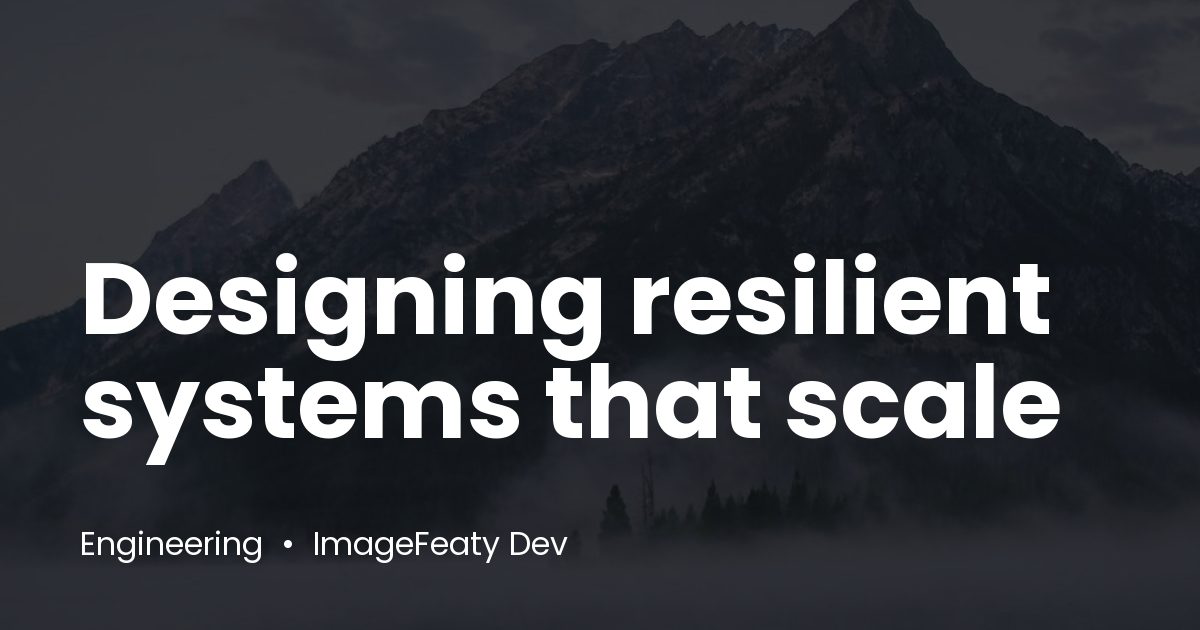
ImageFeaty turns every published post into a set of professionally branded images — no design tool required. When you publish or update a post, ImageFeaty composes a cover from the title, category, author, date, your brand logo and colours, then wires the correct Open Graph and Twitter meta tags into your site’s <head> automatically.
It’s Canva-style automation, built natively for WordPress — and it’s completely free.
Features
- Auto-generate Featured, Open Graph, Twitter and LinkedIn images on publish.
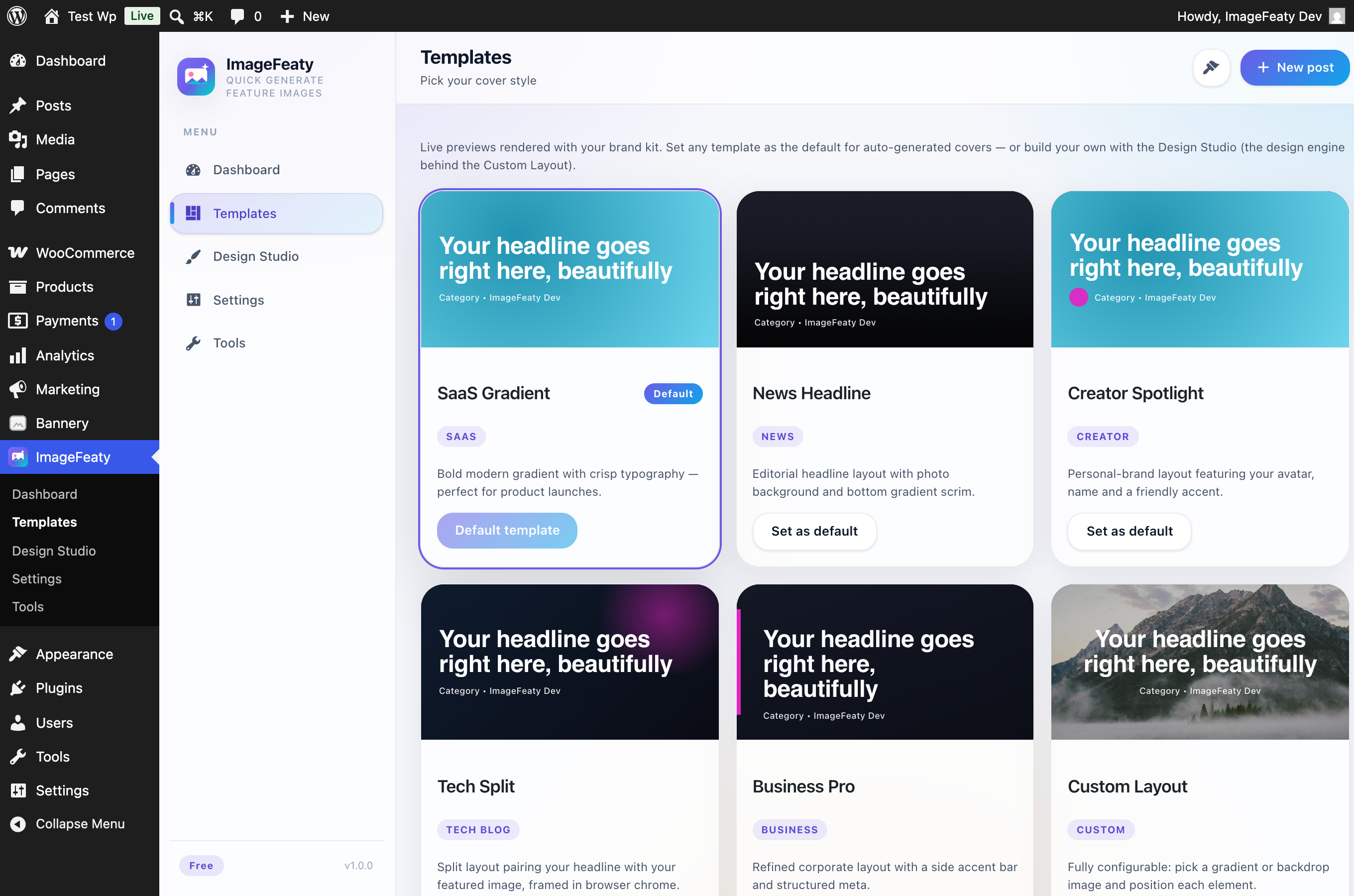
- Six template packs: SaaS, News, Creator, Tech Split, Business Pro and a fully configurable Custom Layout.
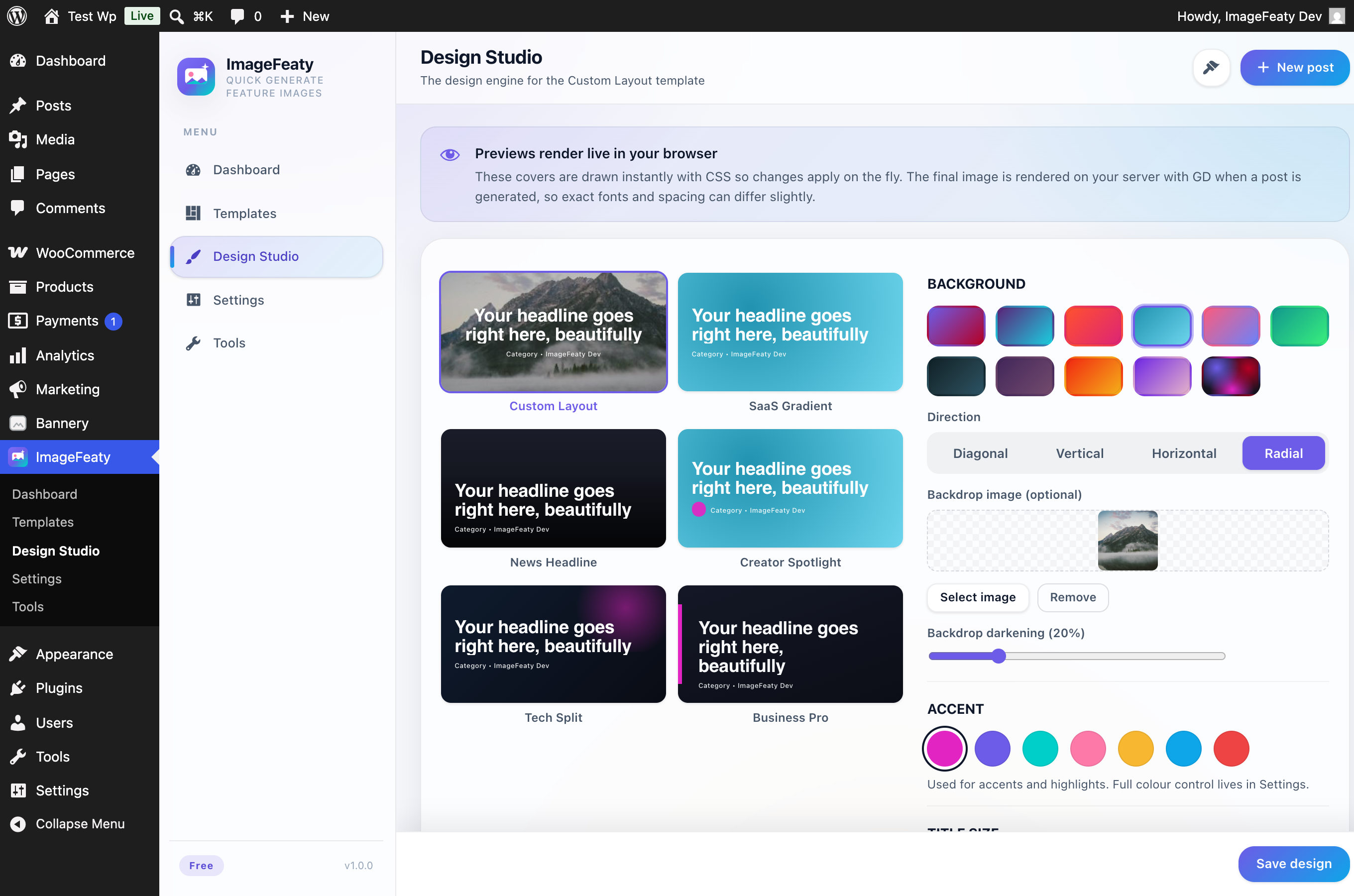
- Design Studio with a live preview: advanced gradient presets (linear, radial and mesh), a custom backdrop image, and drag-free positioning for each element.
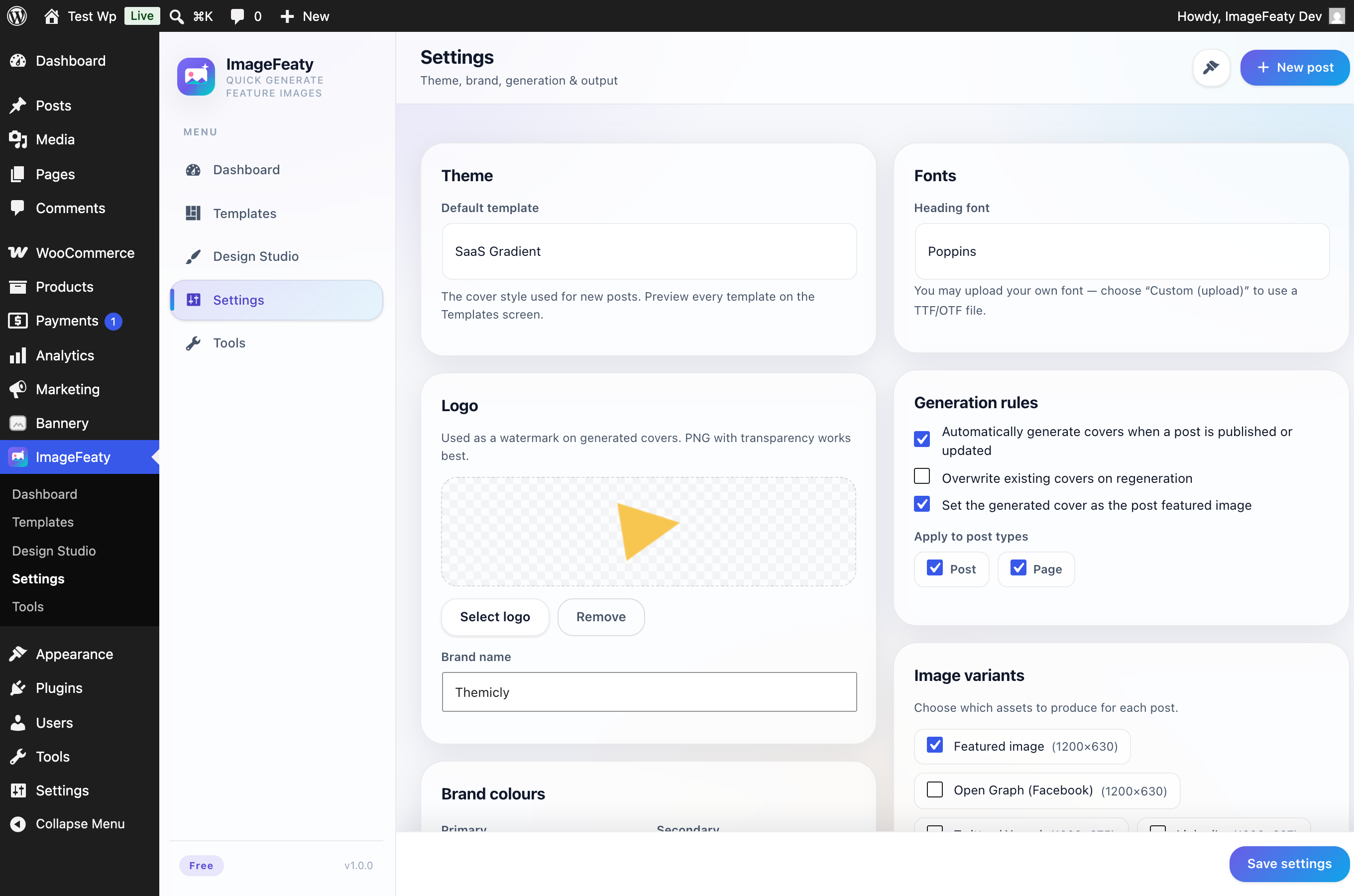
- Brand kit: logo, primary/secondary/accent/text colours, and font selection applied to every asset.
- Per-post controls: custom cover title (great for long headlines), template and backdrop — right in the editor (Gutenberg & Classic).
- Bulk generation for selected posts, processed in a memory-safe background queue.
- JPG / PNG / WebP output with a quality control.
- Standard sizes (1200×630, 1200×675, 1080×1080, 1920×1080) and custom sizes.
- Bundled SIL Open Font License fonts (Inter, Poppins, Montserrat) for crisp typography out of the box, or upload your own brand font (TTF/OTF).
- Automatic non-Latin support — Cyrillic, Greek and other scripts fall back to the bundled Noto Sans so titles never render as empty boxes.
Privacy
Image generation runs entirely on your own server using the PHP GD library. ImageFeaty makes no external requests — nothing about your content ever leaves your site.
Developers
ImageFeaty is OOP with a small DI container, a service layer, and the repository pattern. Extend it with filters: imagefeaty_register_templates, imagefeaty_is_pro, imagefeaty_can, imagefeaty_excluded_post_types, and imagefeaty_output_meta_tags.
Captures
Instal·lació
- Upload the
imagefeatyfolder to/wp-content/plugins/, or install via Plugins Add New. - Activate the plugin through the Plugins screen.
- Visit ImageFeaty Settings to set your logo, brand colours and fonts.
- Publish a post — your covers are generated automatically.
PMF
-
Does ImageFeaty require an external service?
-
No. Image generation runs entirely on your own server with the GD library — ImageFeaty makes no external requests.
-
Will it overwrite my existing featured images?
-
Only if you enable “Overwrite existing” in Settings. By default ImageFeaty skips posts that already have covers.
-
My text looks like a plain bitmap font. Why?
-
Your server is missing FreeType support in GD, so ImageFeaty falls back to GD’s built-in font. Ask your host to enable FreeType for crisp TrueType rendering.
-
Can I use my own font?
-
Yes. In ImageFeaty Settings, set the heading font to “Custom font” and upload a TTF or OTF file. It is applied to every generated cover.
-
Will non-Latin titles (Cyrillic, Greek, etc.) work?
-
Yes. The bundled fonts are Latin-only, but ImageFeaty automatically detects missing glyphs and falls back to the bundled Noto Sans (Latin, Cyrillic, Greek and more). CJK and Arabic require a matching font to be installed on the server; ImageFeaty will use it automatically if present.
-
Does it work with my SEO plugin?
-
Yes. If your SEO plugin already outputs social meta, use the
imagefeaty_output_meta_tagsfilter to let it take over, or simply disable those variants.
Ressenyes
No hi ha ressenyes per a este complement.
Col·laboradors i desenvolupadors
«ImageFeaty — Automatic Blog Covers & Social Images» és programari de codi obert. La següent gent ha col·laborat en este complement.
Col·laboradors

Traduïx «ImageFeaty — Automatic Blog Covers & Social Images» a la teua llengua.
T’interessa el desenvolupament?
Revisa el codi , dona una ullada al repositori SVN o subscriu-te al registre de desenvolupament per RSS.
Registre de canvis
1.0.0
- Initial release.