
Descripció
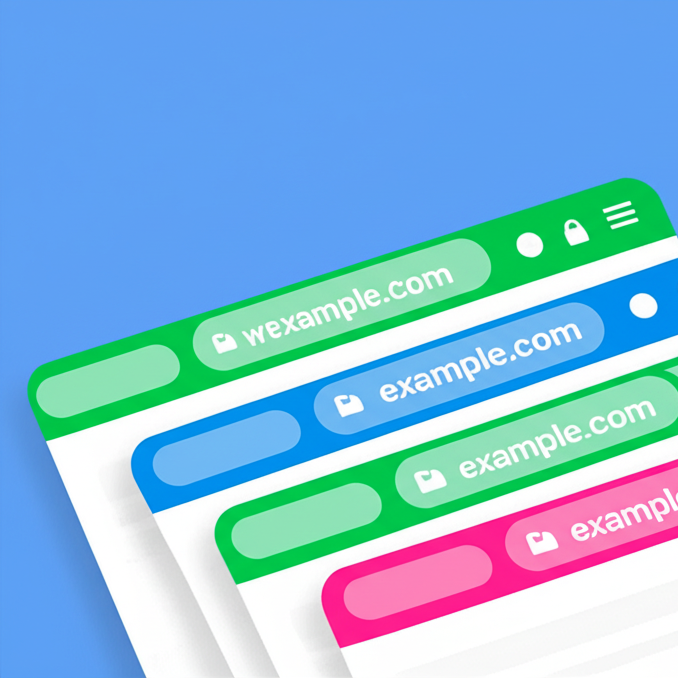
Paint the top address bar of a selected page, you can choose different color for every page.
- Not supported yet in desktop browsers,
Works on Chrome and Samsung Internet mobile browsers
Donations
Captures

the result 
the settings page 
the new menu item 
Instal·lació
- From your WordPress Dashboard go to ‘Plugins’ > ‘Add new’ and search for ‘Browser Address Bar Color’.
- Click ‘Install Now’ under the title of the Browser Address Bar Color Button plugin
- Click ‘activate’
- In the wordpress menu click the ‘Appearance’ and you will see the new “Address bar color” settings page, there you can activate and manage the pages and the colors.
Or:
- Click download in this page and download the “browser-address-bar-color.zip” file
- From your WordPress Dashboard go to ‘Plugins’ > ‘Upload plugin’ and select the “browser-address-bar-color.zip” file
- Click ‘install’
- Click ‘activate’
- Activate the plugin through the ‘Plugins’ menu in WordPress
- In the wordpress menu click the ‘Appearance’ and you will see the new “Address bar color” settings page, there you can activate and manage the pages and the colors.
PMF
-
What’s your plugin’s specialty?
-
You can choose different color for each page of your site or even every post, not only one for all
-
Why it doesn’t work on desktop browsers?
-
For now this Html feature (theme-color tag) supported by mobile browsers only
Ressenyes

27 de juliol de 2022
good
better to have option to paste hex code
tnx

2 de febrer de 2022
Good and usefull plugin
Col·laboradors i desenvolupadors
«Browser Address Bar Color» és programari de codi obert. La següent gent ha col·laborat en este complement.
Col·laboradors
Traduïx «Browser Address Bar Color» a la teua llengua.
T’interessa el desenvolupament?
Revisa el codi , dona una ullada al repositori SVN o subscriu-te al registre de desenvolupament per RSS.
Registre de canvis
1.0
- First upload
2.0
- Option to color single post, bug fixed
3.0
- Search pages in the list
3.2
- PHP 8 compatibility
3.3
- Tested up to wordpress 6.3, bug fixed
3.4
- Tested up to wordpress 6.8, security and style enhancements
3.5
- Bug fixed, Tested up to wordpress 6.9
4.0
- Major Update: Added support for Custom Post Types (WooCommerce, Portfolios, etc.)
- Performance: Optimized database queries and added lazy loading for large lists
- UI: New side-by-side layout with dynamic search and pagination
4.1
- Minor bug fixes
4.2
- Readme update