

Descripció
GameBrain adds video game blocks to WordPress: a game info card, a review score
summary, a similar-games row and a where-to-buy price list, backed by a game
database of over 800,000 titles. Content is rendered on the server, so it is
real, crawlable HTML in your page — with schema.org markup that makes your game
reviews eligible for rich results in search — and it inherits your theme’s fonts
and colors instead of looking like an embedded ad.
Four blocks are included:
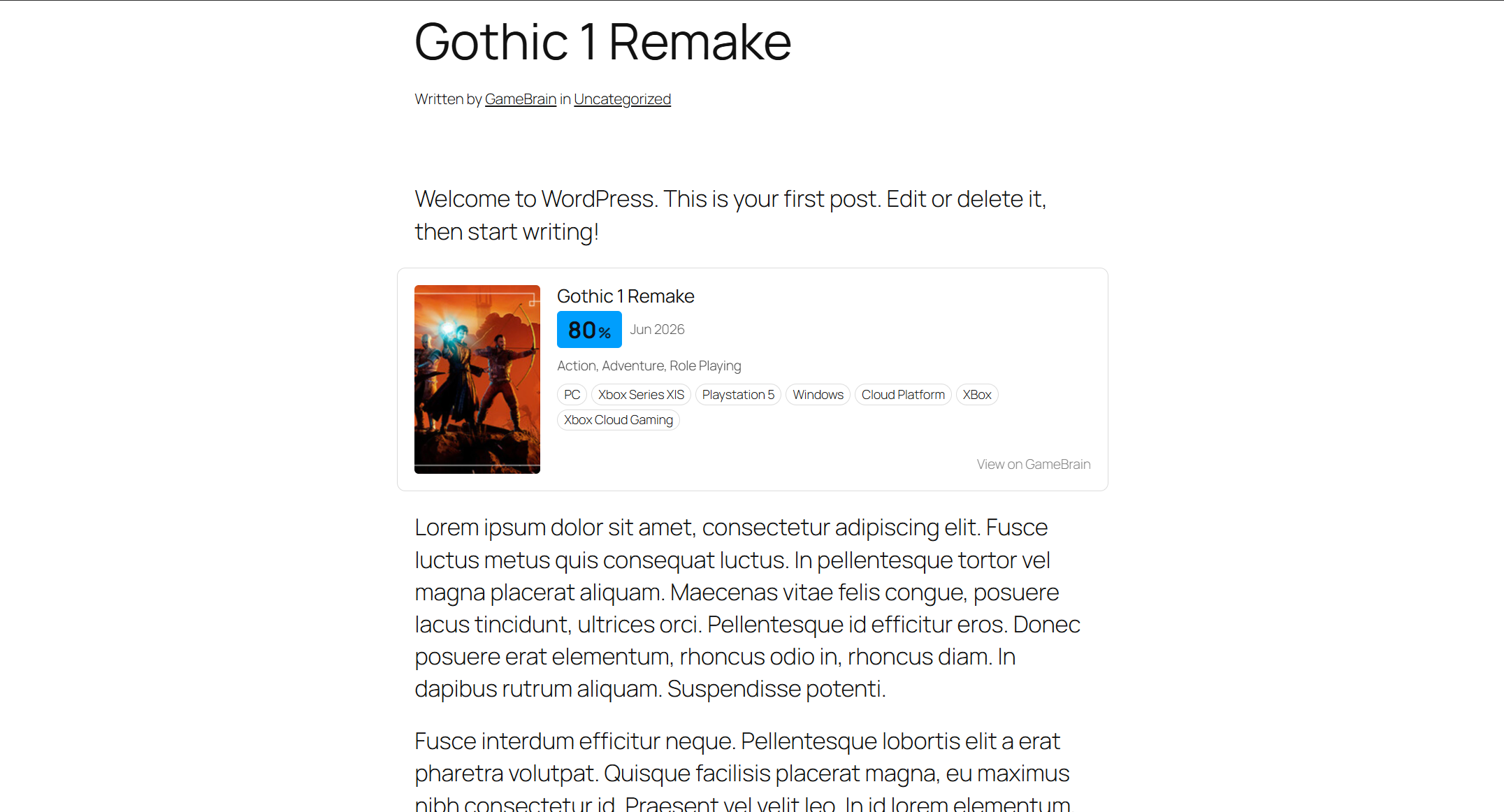
- Game Card — a compact fact card: cover, GameBrain Score, release date,
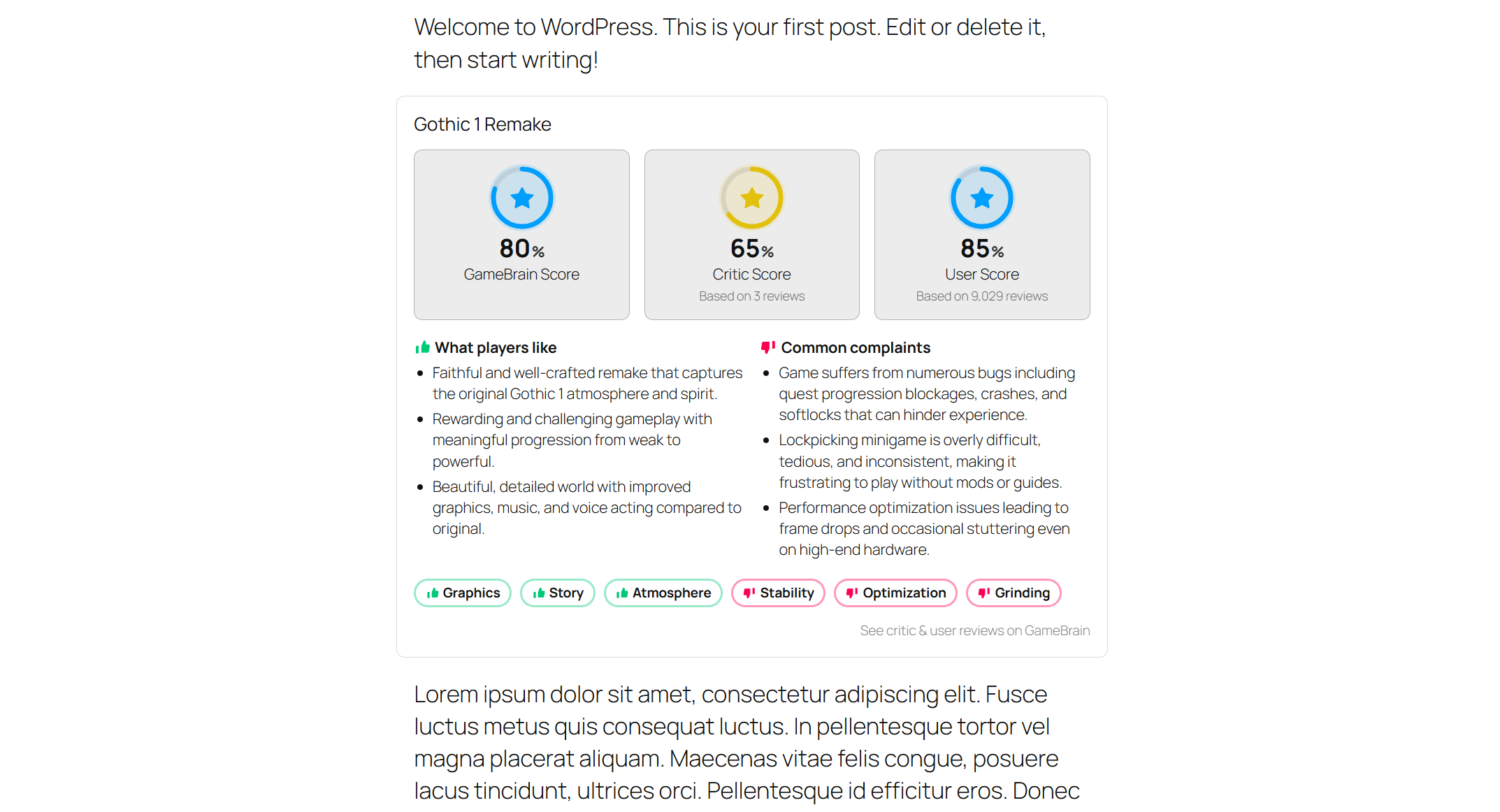
genres and platforms. - Review Summary — GameBrain, critic and user scores, plus what players like
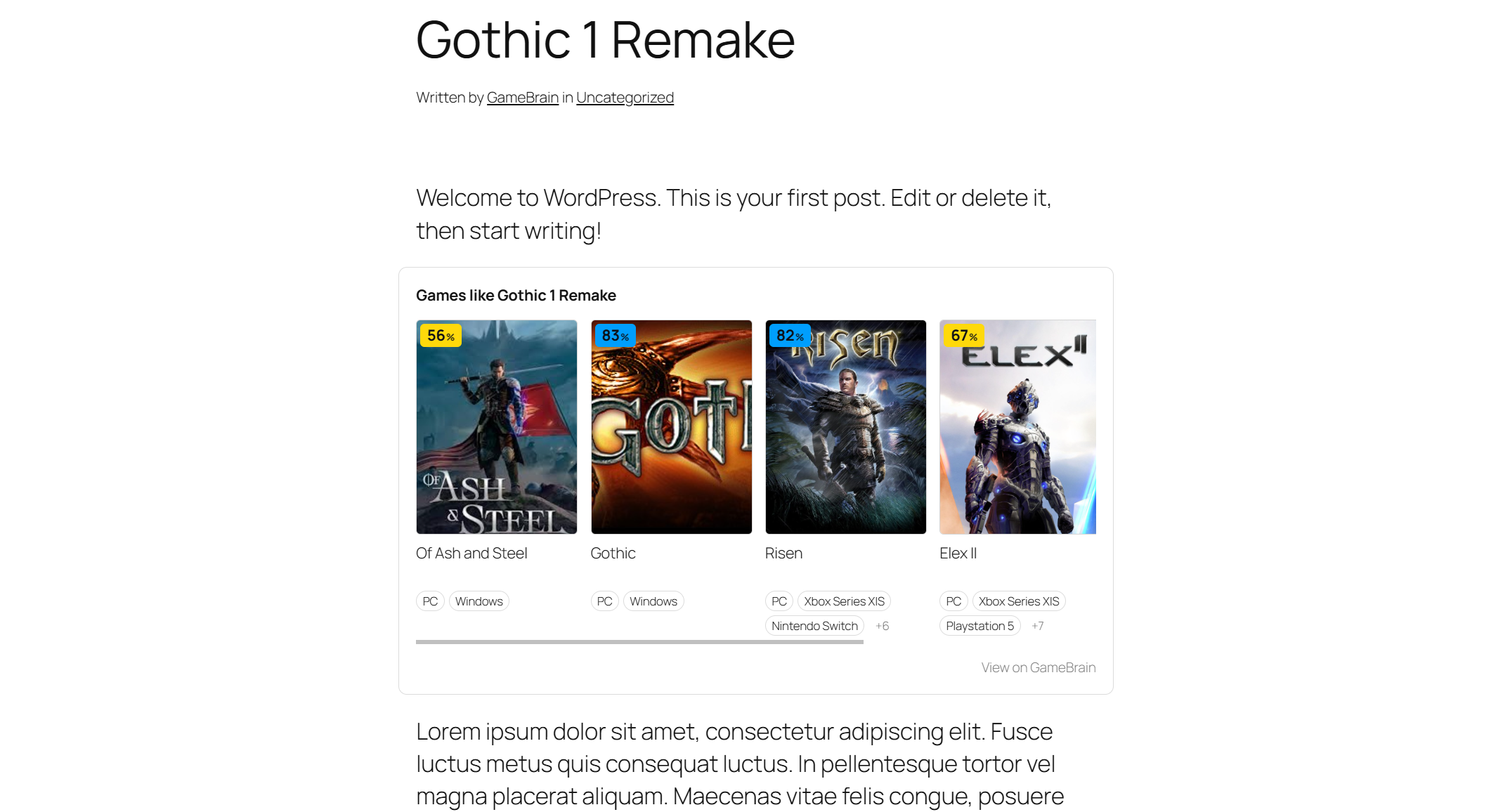
and dislike. - Similar Games — a scrollable row of related titles, each with a score badge
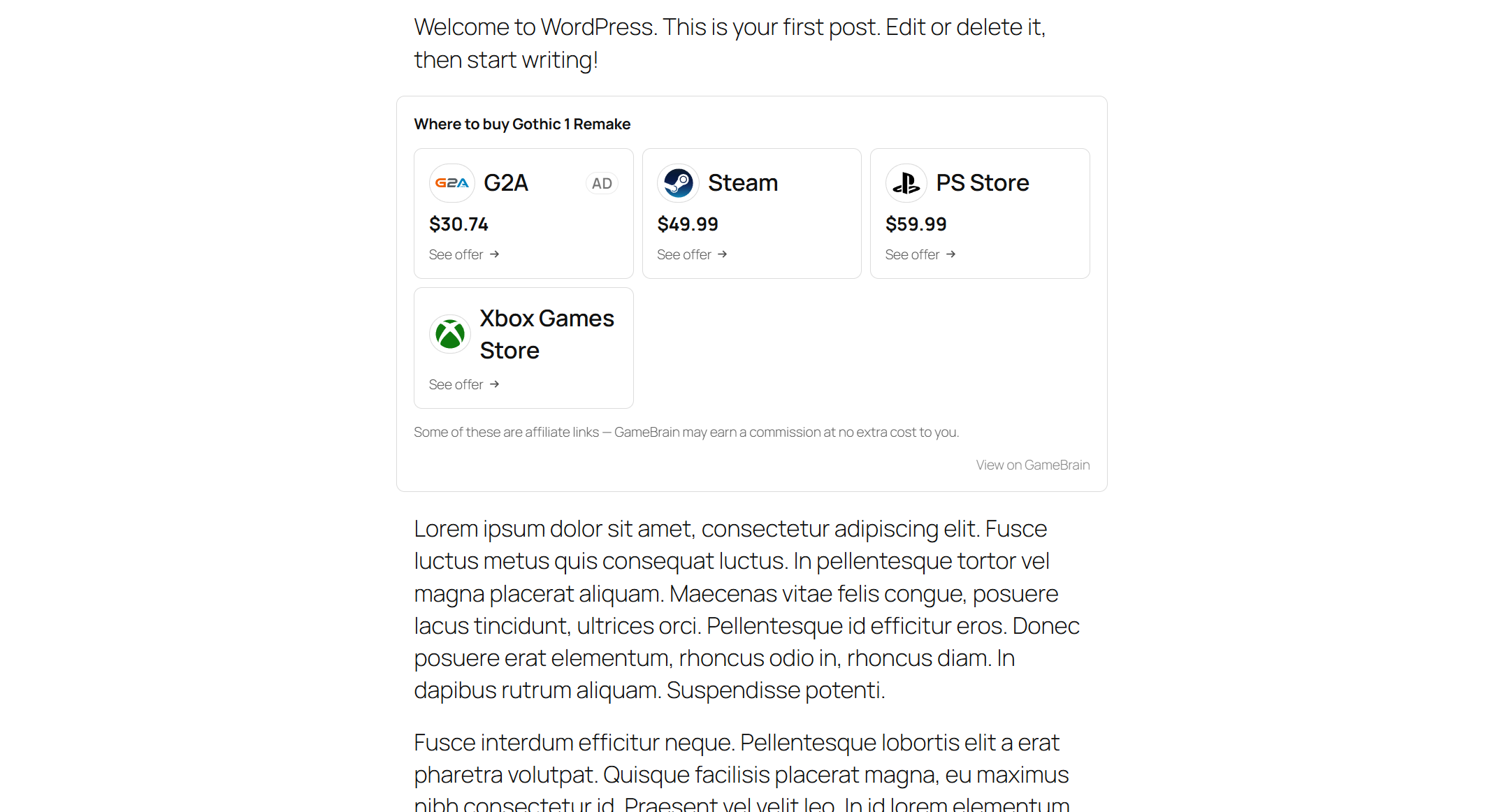
and platforms. - Where to Buy — current store offers with prices and store logos.
Why GameBrain
- SEO-ready — everything is server-rendered HTML with schema.org markup
(VideoGame, Offer, ItemList), so your game reviews can qualify for rich
results instead of shipping empty JavaScript embeds. - Fast — game data is cached on your site and refreshed in the background;
rendering never waits on a network request. - No API key — one click connects your site; there is nothing to copy,
paste or configure. - Private — no data about your visitors is ever sent to GameBrain.
Each block can also be added outside the block editor with a shortcode or the
classic widget, so it works in the Classic editor, page builders and text widgets:
[gamebrain_game id="slug-or-id" block="card|review|similar|buy"]
Appearance is configurable site-wide (accent color, score-band colors, corner
radius, density, surface style, max width) and per block — without editing plugin
files. Advanced users can also override the documented –gb-* CSS variables and
BEM classes from Appearance Customize Additional CSS or a child theme.
Full documentation with screenshots of every block:
https://gamebrain.co/api/docs/gamebrain-for-wordpress
External service notice. This plugin connects to GameBrain (https://gamebrain.co),
an external service, to retrieve game data. Connecting from Settings GameBrain
creates a free, site-scoped account; your site URL and admin email are sent to
GameBrain at that point. Your admin email is stored by GameBrain as the account
owner. Game data is fetched server-side and cached on your site. No data about
your visitors is sent to GameBrain. Disconnecting or uninstalling the plugin
requests deletion of your GameBrain account, including the stored email.
- Terms of Service: https://gamebrain.co/wordpress-plugin-terms
- Privacy Policy: https://gamebrain.co/wordpress-plugin-privacy
Attribution is optional. A small “View on GameBrain” credit link can be shown
on each block. It is off by default — turn it on from Settings GameBrain
Connection if you’d like to support GameBrain. Every block works exactly the same
whether it’s on or off.
Affiliate disclosure. Store / “Where to buy” links may be affiliate links.
Where shown, they are marked on the page.
Captures
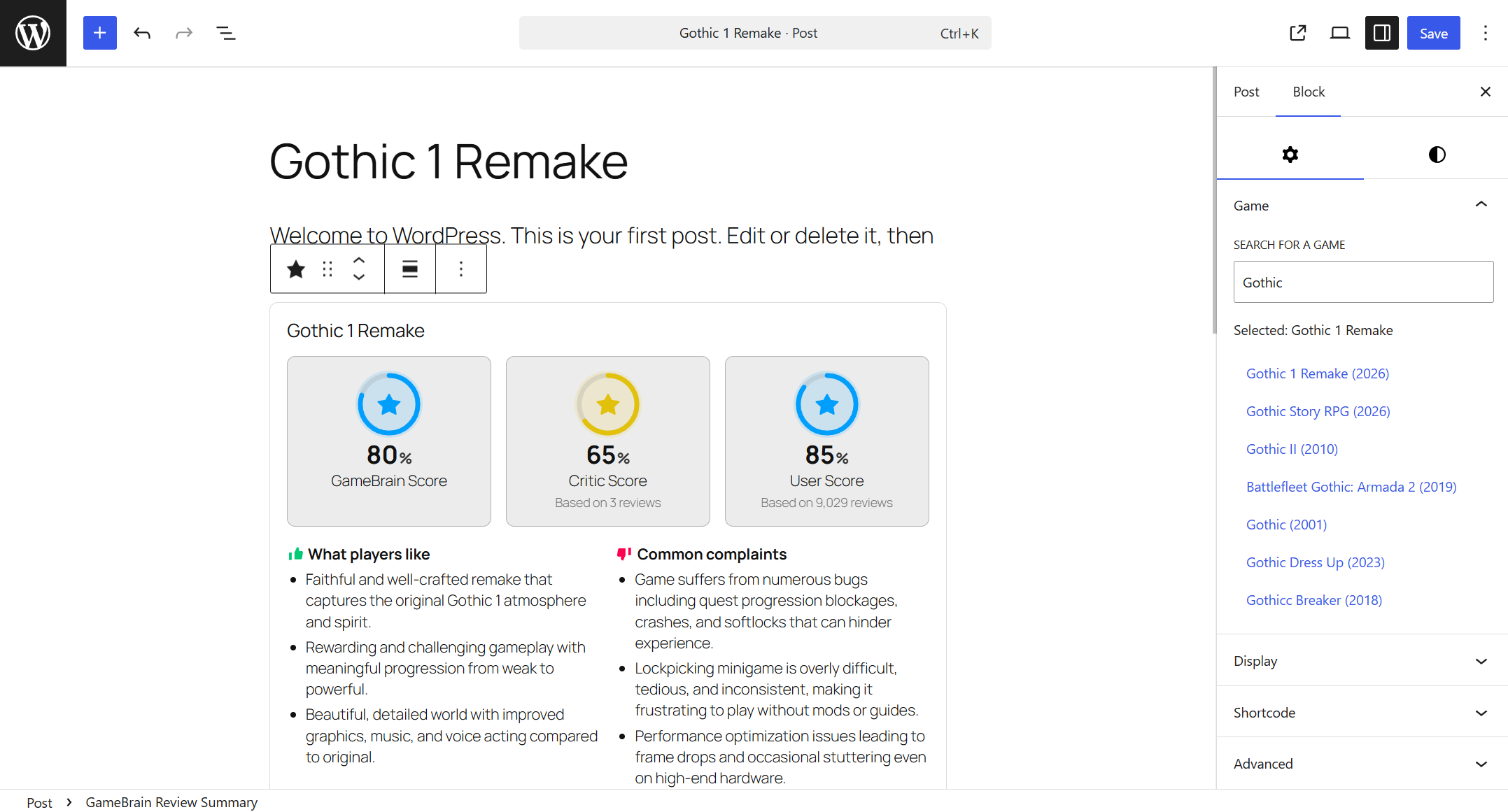
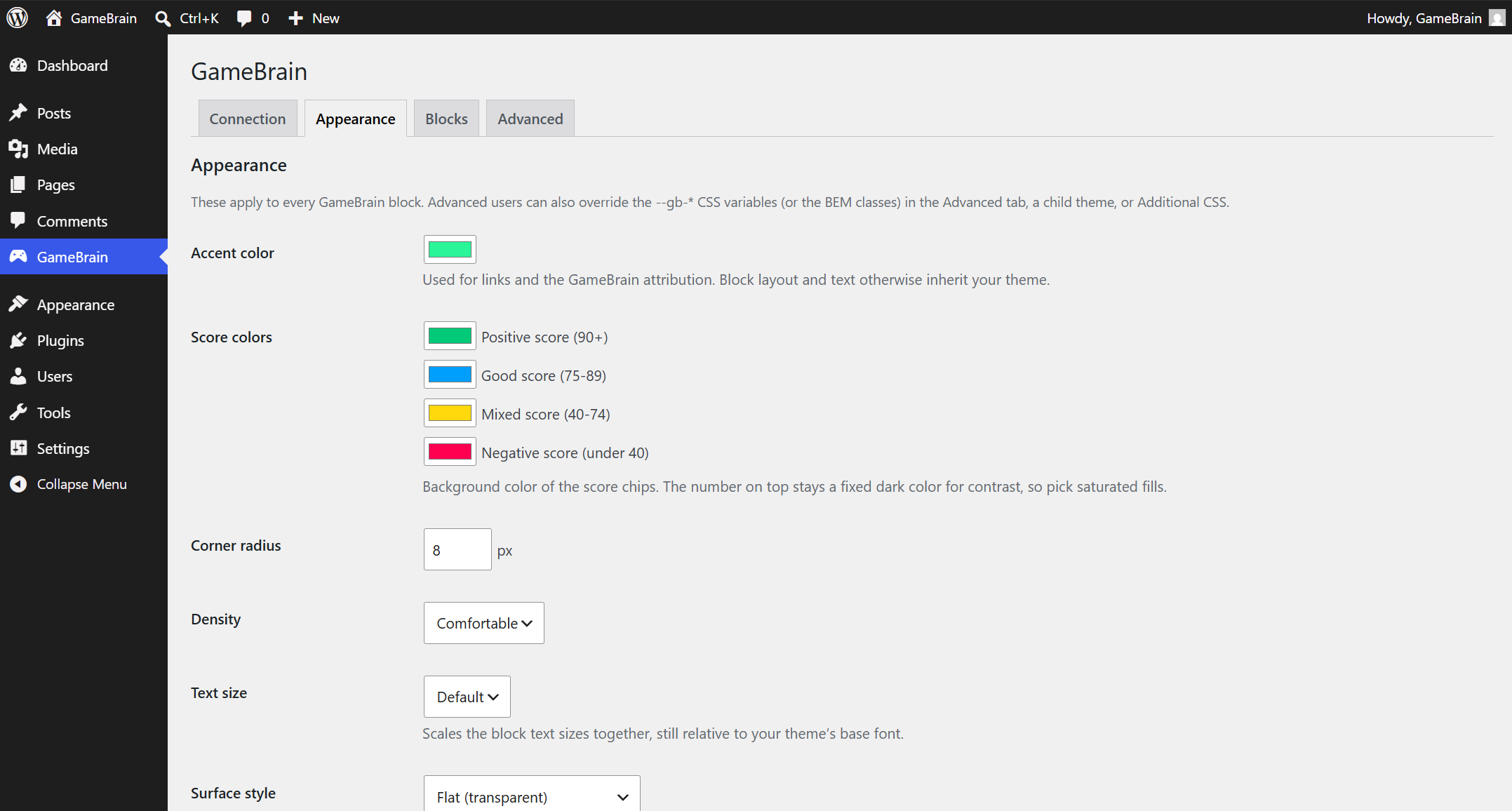
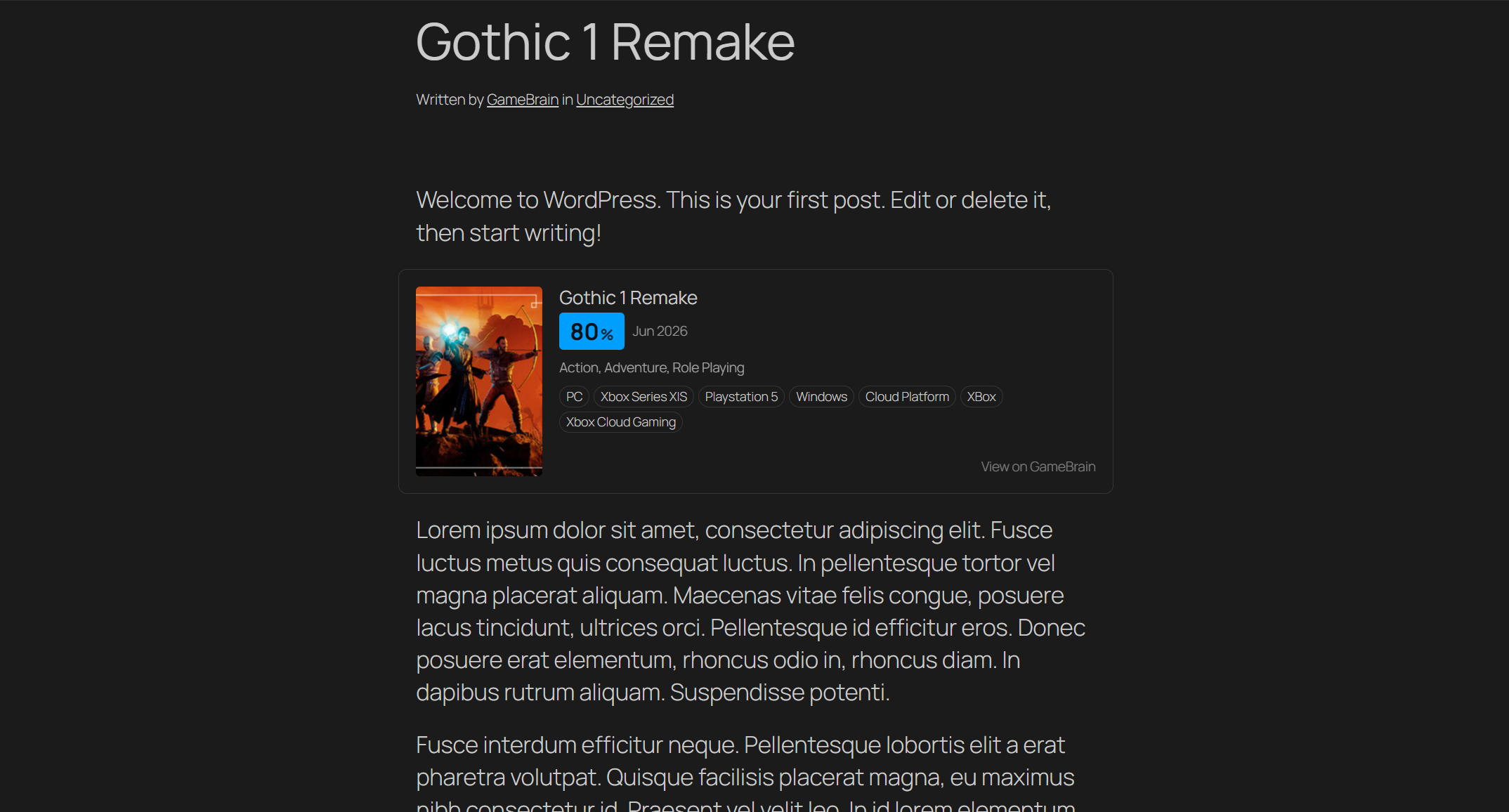
Blocs
Este complement proporciona 4 blocs.
- GameBrain Similar Games A horizontal row of games similar to the selected one, each linking to GameBrain.
- GameBrain Review Summary A game's review summary — GameBrain Score, user and critic scores, and pros & cons, with a link to the full review on GameBrain.
- GameBrain Game Card A compact game fact card (cover, GameBrain Score, platforms) with a link to GameBrain.
- GameBrain Where to Buy Where to buy a game — current store offers and prices, each linking out to the store.
Instal·lació
- Install and activate the plugin.
- Open the GameBrain menu and click “Connect to GameBrain”.
- Add a GameBrain block to any post or page and pick a game.
PMF
-
Is GameBrain free?
-
Yes. The plugin and the game data it embeds are free. There are no paid tiers,
upsells or dashboard ads. -
Do I need an API key?
-
No. Clicking “Connect to GameBrain” creates a free, site-scoped connection
automatically — there is nothing to copy, paste or configure. -
Where does the game data come from?
-
From GameBrain (https://gamebrain.co), a video game database covering over
800,000 titles with scores derived from hundreds of millions of critic and
user reviews. See the external service notice above for exactly what is sent
when you connect. -
Will the blocks match my theme?
-
Yes. The blocks inherit your theme’s fonts and colors and adapt to light and
dark themes automatically. You can adjust the accent color, score-band colors,
corner radius, density and more under GameBrain Appearance. -
Will the plugin slow down my site?
-
No. Game data is cached on your site and refreshed in the background, so
rendering never waits on a network request. -
Does it work with the Classic editor or page builders?
-
Yes. Every block is also available as a shortcode and a classic widget, so it
works in the Classic editor, page builders and text widgets. -
No. Game data is fetched server-side and cached on your site. No data about
your visitors is sent to GameBrain. -
Is my game review content still mine?
-
Yes. The blocks add game facts (scores, release info, offers) alongside your
own writing — they never replace or modify your content.
Ressenyes
No hi ha ressenyes per a este complement.
Col·laboradors i desenvolupadors
«GameBrain – Game Review Blocks, Scores & Video Game Info» és programari de codi obert. La següent gent ha col·laborat en este complement.
Col·laboradors
Traduïx «GameBrain – Game Review Blocks, Scores & Video Game Info» a la teua llengua.
T’interessa el desenvolupament?
Revisa el codi , dona una ullada al repositori SVN o subscriu-te al registre de desenvolupament per RSS.
Registre de canvis
1.0.0
- Initial public release.
- Four blocks: Game Card, Review Summary, Similar Games, Where to Buy.
- Server-side rendering with schema.org markup for SEO.
- Cache-first fetching with background refresh, so rendering never blocks the page.
- Shortcode and classic widget fallbacks for the Classic editor, page builders and text widgets.
- Admin settings: connection, Appearance theming and per-block controls.
- Optional “View on GameBrain” attribution link, off by default.