
Descripció
Inbox is a messaging system for your own WordPress site. It is not an email client and does not connect to Gmail or other mailboxes. It lets the people on your site talk to each other, and lets visitors reach them, without anyone leaving WordPress. It works on any site, and supports WooCommerce vendors and customers automatically when WooCommerce is active.
What you can do
- Private messages between members. Students, customers, vendors, staff, anyone with an account.
- Messages from visitors. People who aren’t logged in can write to a member or to your support team. Visitor messages arrive in a separate Requests folder, so strangers never clutter the main inbox.
- Reply to visitors. Visitors confirm their email address first, then follow the conversation through a private link and get an email when someone replies.
- Stay in control. Every member can switch off visitor messages, and block or report a sender. Admins can switch visitor messages off for the whole site.
- A real inbox. Inbox, Requests, Sent, Archived and Trash folders, read/unread, search, and email notifications.
- Support departments. Create departments, assign staff, and put a help form on any page. Staff can close and reopen conversations.
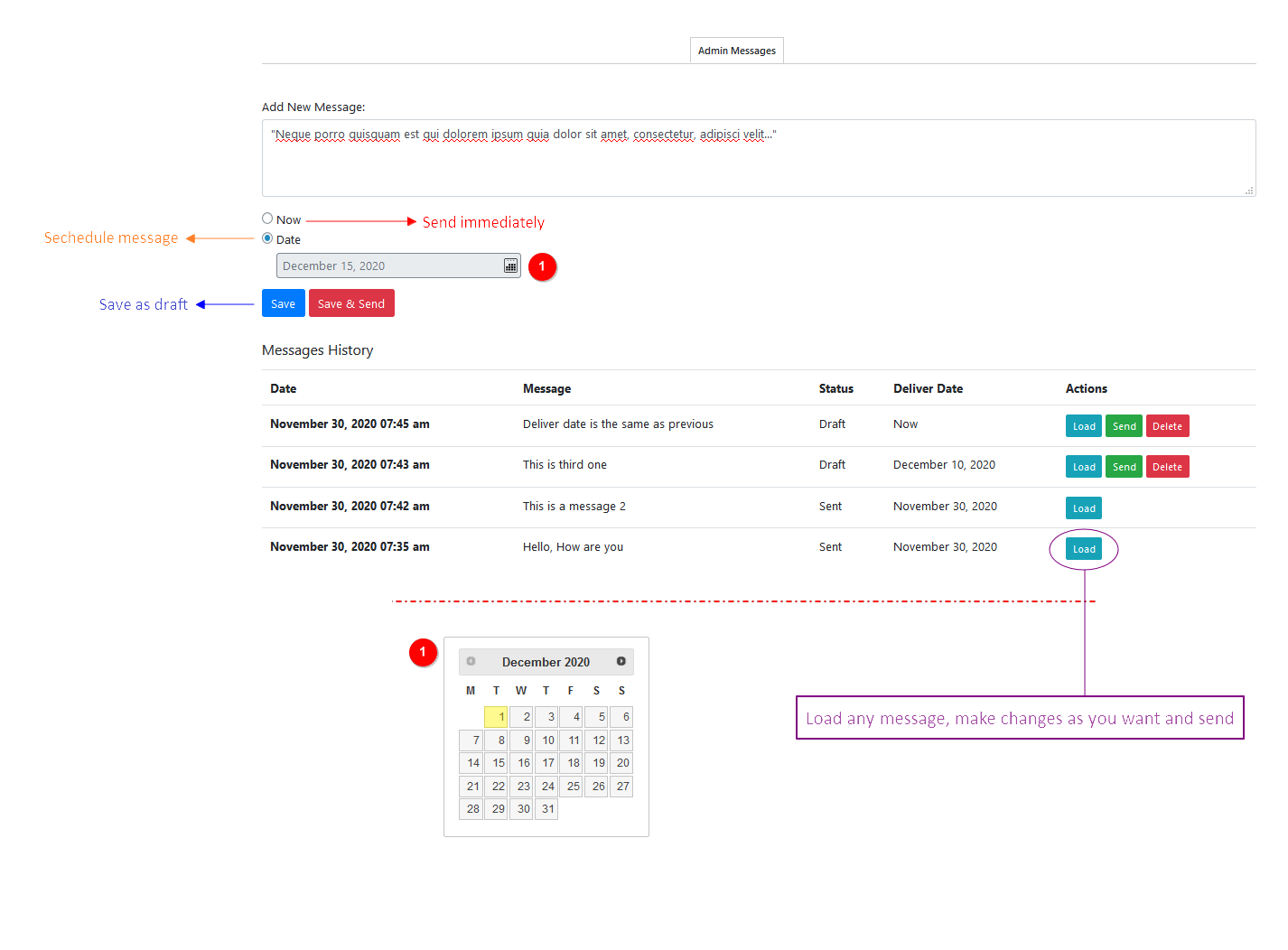
- Announcements. Send or schedule a message to all members or to one role.
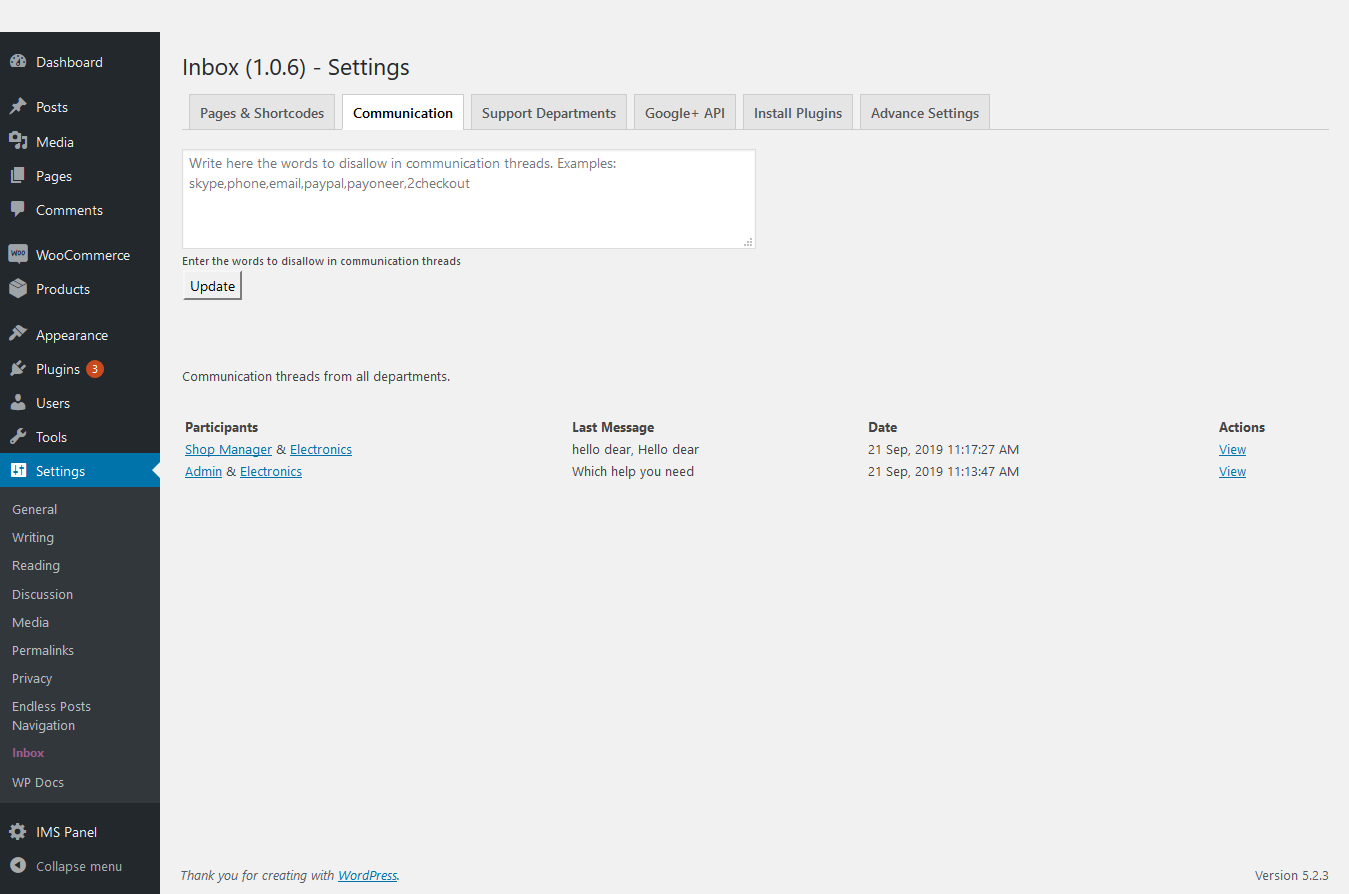
- Blocked words. Reject messages that contain words you choose.
- WooCommerce. A “Message the seller” button on product pages and a Messages link in My Account.
- Shortcodes.
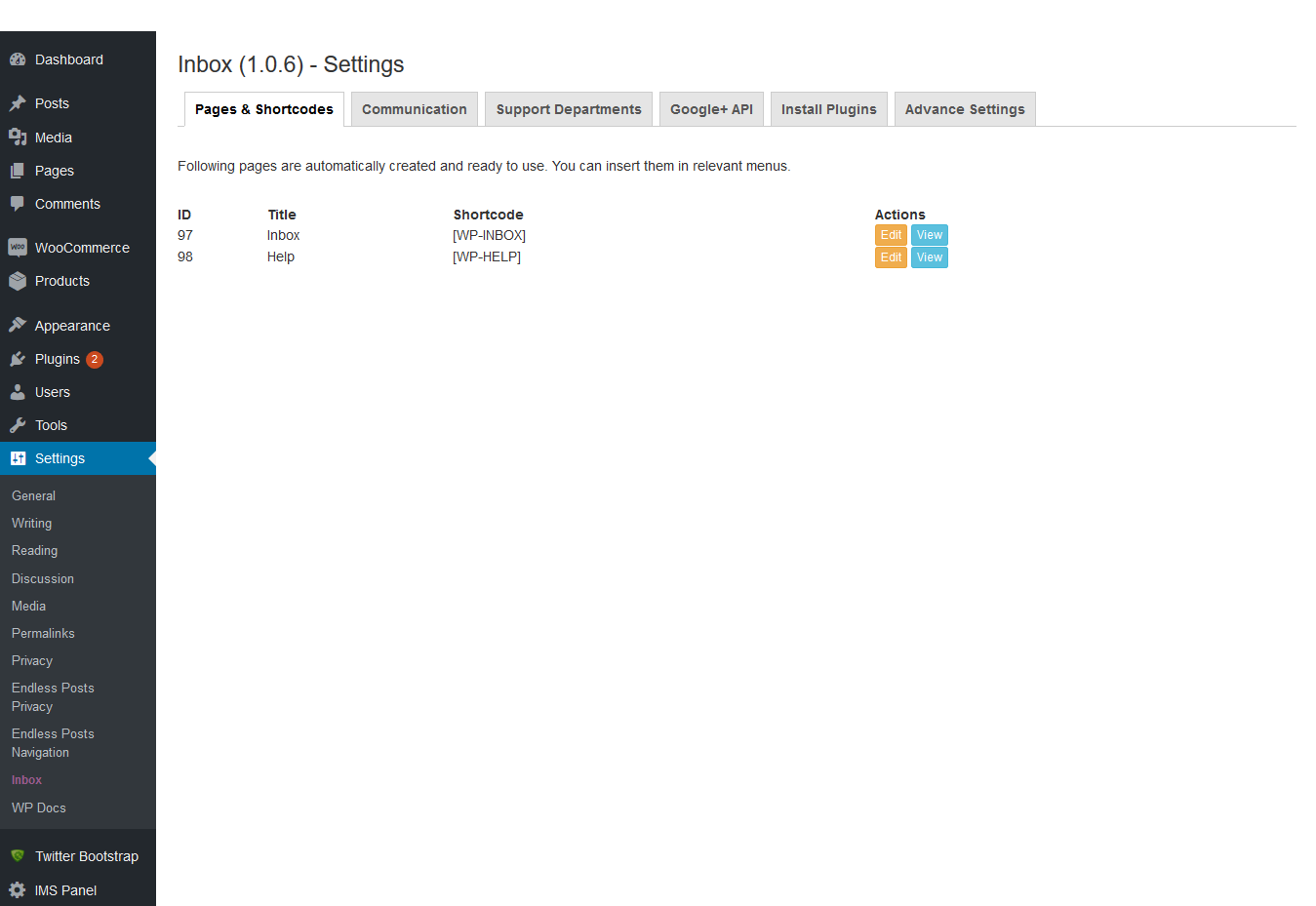
[inbox],[inbox_help]and[inbox_contact]. Inbox and Help pages are created for you on activation.
Security and privacy
- Visitor forms are protected by a honeypot, a signed timing check, rate limits, email confirmation and an optional CAPTCHA.
- Requests, replies and settings are checked with nonces and capability checks. Input is sanitized, output is escaped, and queries are prepared.
- Message text is plain text only. Nothing a user writes is ever rendered as HTML.
- Visitor links are secret tokens. Only a hash is stored in the database.
- A member’s email address is never shown to visitors.
- Administrators can’t read private member conversations unless you turn that on in Settings. Support requests are always readable by staff.
- Choose to delete all data when the plugin is uninstalled.
External services
Inbox does not contact any external service by default. If you choose a CAPTCHA provider under Inbox > Settings, the plugin loads that provider’s script on pages that show a visitor form, and sends the visitor’s CAPTCHA response (and IP address) to the provider to check it. Providers you can choose, with their terms and privacy policies:
- Cloudflare Turnstile: terms, privacy policy
- hCaptcha: terms, privacy policy
- Google reCAPTCHA: terms, privacy policy
Good to know
- Live chat and file attachments are not included.
- Version 2 starts with a clean slate. Conversations from version 1.x are not imported (they are left untouched in your database).
Captures






Instal·lació
- Upload the plugin to
/wp-content/plugins/inbox, or install it from the Plugins screen. - Activate it. An Inbox page and a Help page are created for you.
- Go to Inbox in the admin menu to review the settings and add support departments.
- Add the Inbox page to your menu so members can find it.
PMF
-
Is Inbox an email client?
-
No. It is a messaging and help desk system for the users of your own site. It does not read or send from your Gmail or other mailboxes.
-
Do I need WooCommerce?
-
No. Inbox works on any WordPress site. When WooCommerce is active, buyers can message sellers from product pages.
-
Can visitors who are not logged in send messages?
-
Yes, if you leave “Messages from visitors” on. They must confirm their email address first. Their message then arrives in the recipient’s Requests folder, and the recipient can reply.
-
Can I stop messages from strangers?
-
Yes. Each member can switch off visitor messages in their inbox settings or profile, and block or report any sender. Admins can switch visitor messages off for the whole site.
-
How do members find each other?
-
Through contact buttons and links (
[inbox_contact], the WooCommerce button) or, if you turn on “Member search”, through a search box when writing a new message. -
Where do help requests go?
-
To the staff of the department the person chose. If a department has no staff, requests go to all administrators.
-
Can users delete or archive messages?
-
Yes. Conversations can be archived, moved to Trash, deleted permanently, searched, and marked unread.
-
Does it work with caching plugins?
-
Yes. Visitor forms don’t use nonces, so a cached page keeps working.
-
Can admins read private messages?
-
Not by default. Turn on “Admins can read conversations” in Settings if your policies allow it. Support requests are always readable by staff.
Ressenyes


Col·laboradors i desenvolupadors
«Inbox – Private Messaging, Guest Messages & Help Desk» és programari de codi obert. La següent gent ha col·laborat en este complement.
Col·laboradors

Traduïx «Inbox – Private Messaging, Guest Messages & Help Desk» a la teua llengua.
T’interessa el desenvolupament?
Revisa el codi , dona una ullada al repositori SVN o subscriu-te al registre de desenvolupament per RSS.
Registre de canvis
2.0.0
- Rebuilt from the ground up for any WordPress site. WooCommerce support is automatic when WooCommerce is active.
- New inbox with Inbox, Requests, Sent, Archived and Trash folders, search, and read/unread.
- New: messages from visitors with email confirmation, a Requests folder, and replies by private link.
- New: members can switch off visitor messages, block and report senders.
- New: email notifications with a preview option, throttled per conversation.
- New: support departments with assigned staff, open/closed status, and a help form.
- New: scheduled announcements to all members or a role.
- New: blocked words, optional CAPTCHA (Cloudflare Turnstile, hCaptcha, Google reCAPTCHA), and a rate limit.
- New: “Message the seller” button for WooCommerce products.
- Security: nonces and capability checks everywhere, prepared queries, escaped output, hashed visitor tokens.
- No extra Bootstrap plugin is needed any more.
- Conversations from 1.x are not imported.
1.2.2
- Compatibility update for WordPress.
1.2.1
- Updated version for WordPress.
1.2.0
- Updated version for WordPress.
1.1.9
- Updated version for WordPress.
1.1.8
- Language files updated.
1.1.7
- Admin can send and schedule messages to all users.
1.1.6
- Default timezone from the WordPress settings page.
1.1.5
- Bootstrap conflict with the WooCommerce registration page fixed.
1.1.4
- Bootstrap conflict with the WooCommerce checkout page fixed.
1.1.3
- Checkbox for the contact seller option added on the settings page.
1.1.2
- htmlentities() used for admin-side message strings.
1.1.1
- Fixed an error reported about failed email addresses.
- Timezone settings added for users’ inboxes.
1.1.0
- Chat features added optionally.
1.0.9
- A few UI/UX improvements.
1.0.8
- A few warnings fixed.
1.0.7
- A few additions and improvements.
1.0.3
- Languages refined.
1.0.2
- Languages added.
1.0.1
- Bootstrap installation tab and WooCommerce activation check added.
1.0.0
- Initial commit.